|
By atif.karrem - 6 Years Ago
|
Hello all I am totally new to IClone and 3d rendering world. I installed Iclone at first everything was ok but now when I select a character the result will look like below picture. I only change real time rendering setting from high to quick view but even after switching back to high my render results and realtime preview wont change please help me out I on totally new to this software and i really want to learn IClone. Thanks in advance.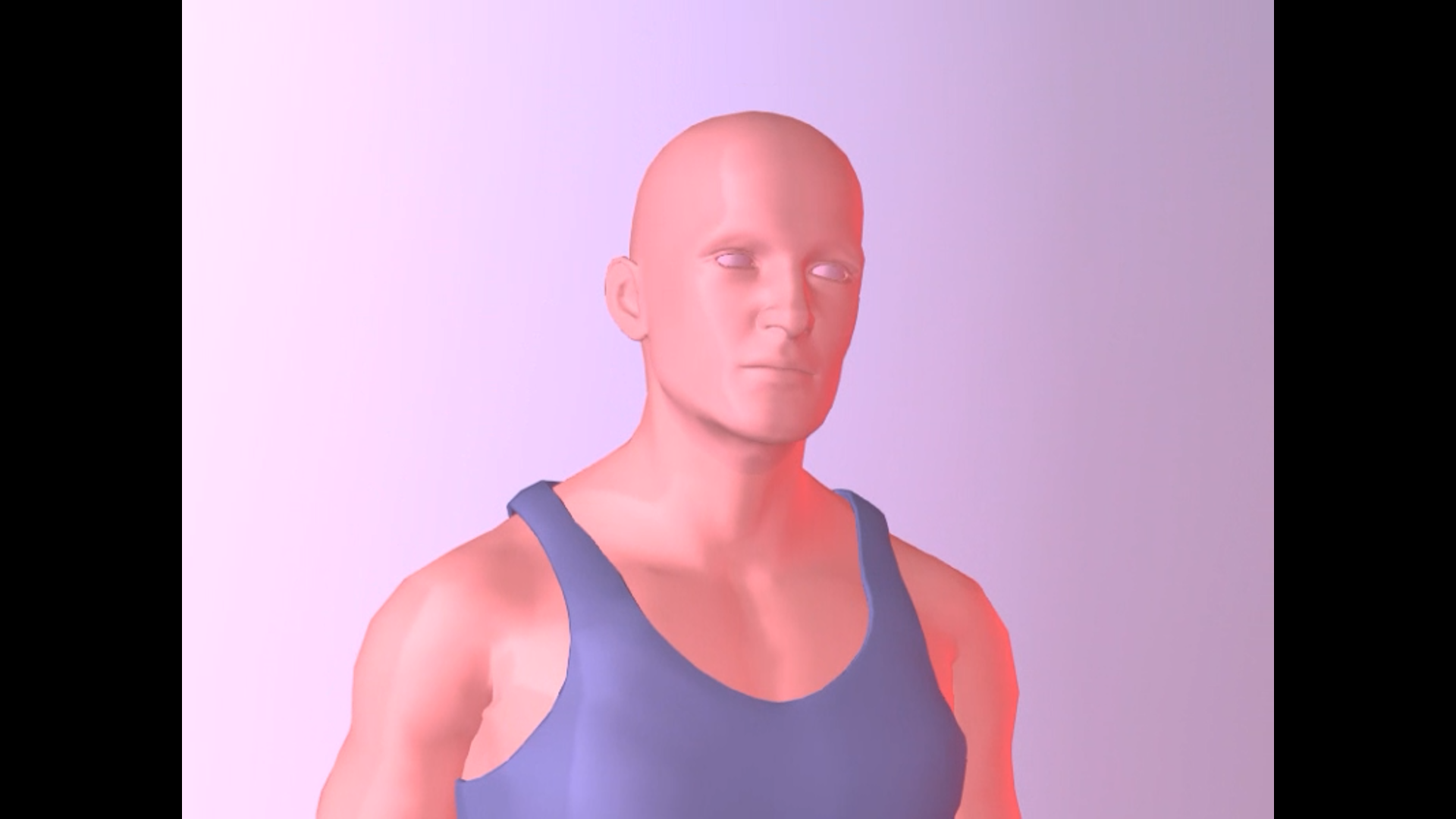
|
|
By Peter (RL) - 6 Years Ago
|
Hi...
Try loading one of the sample projects that come with Clone 7 such as the "1.Facial Demo". Does this still have the same lighting issue? You can also just try starting a new project which should reset everything.
|
|
By atif.karrem - 6 Years Ago
|
First of all thank you for your reply I did try new sample project I tried to restart everything but my results are still same. I am going to share snapshots of my facial demo project. I used to be normal at first but now these are the results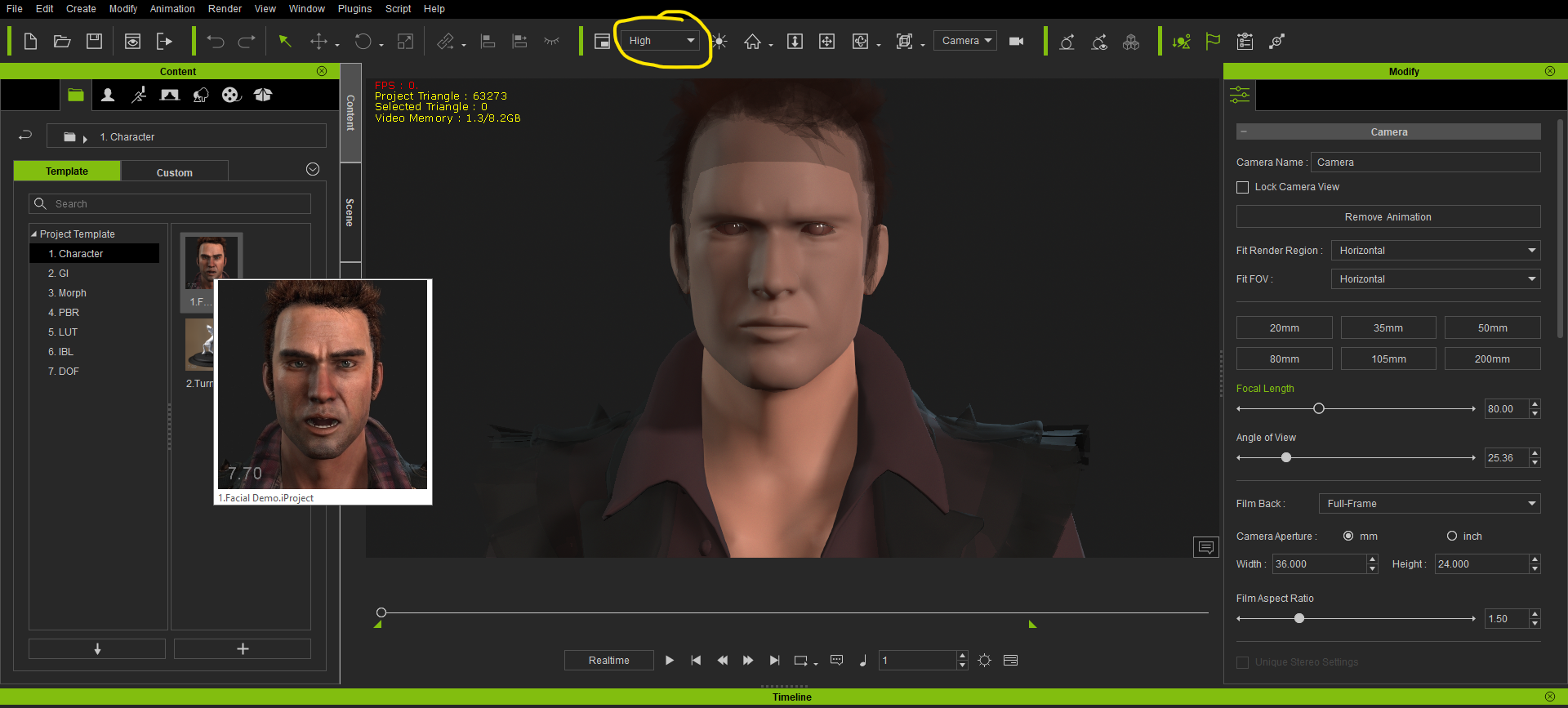 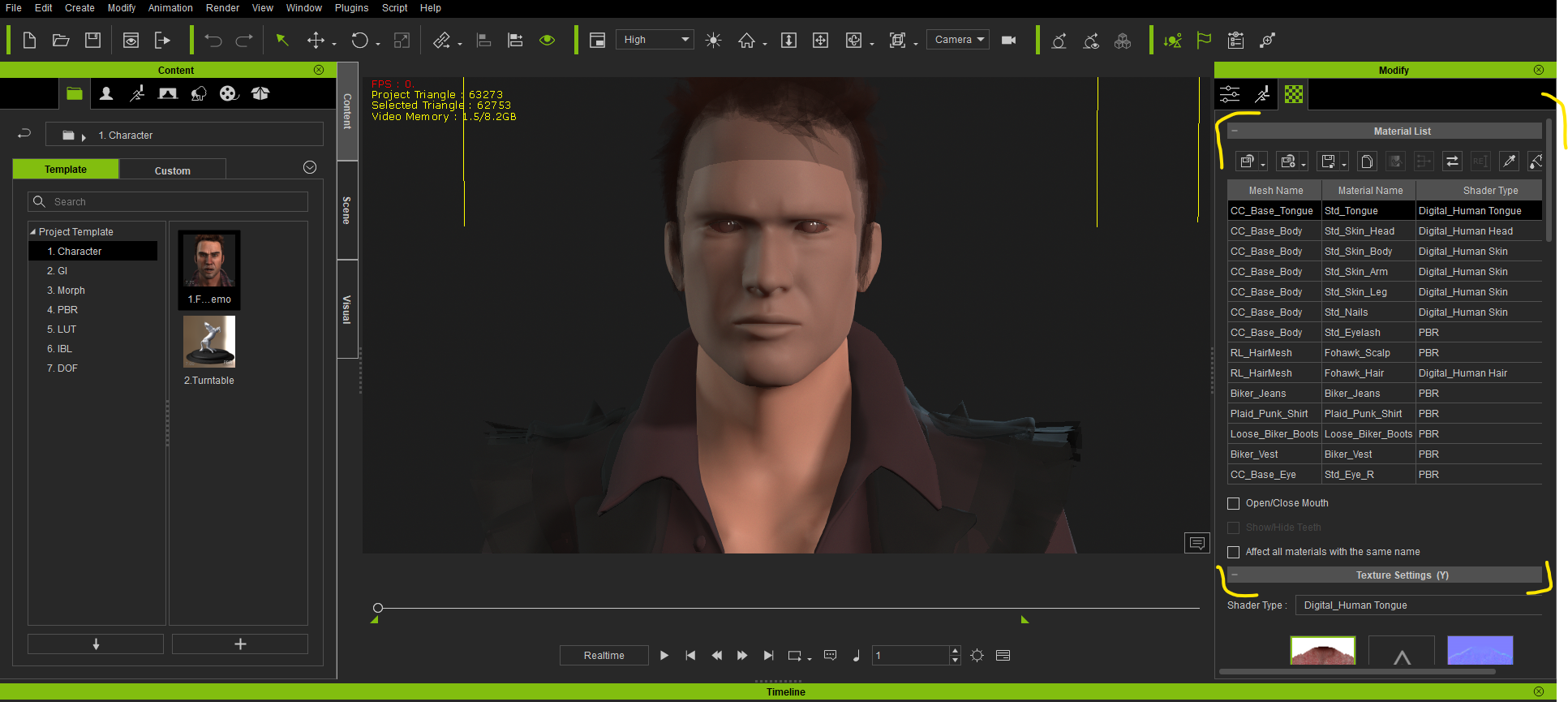 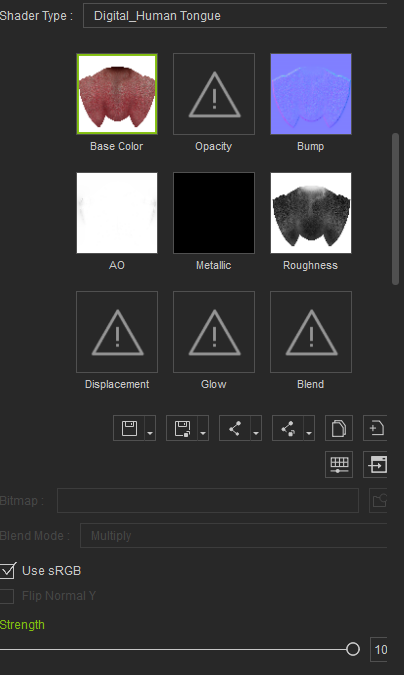 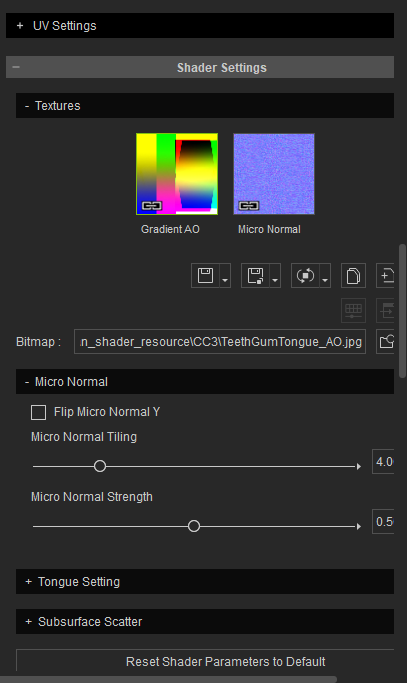
|
|
By Peter (RL) - 6 Years Ago
|
Thanks for sharing more information.
I would first try updating your graphics card drivers to the latest available. The issue could well be related to drivers or possibly you may be using an unsupported graphic card.
If updating drivers doesn't help, please can you let us know your system specifications including graphics card. Thanks.
|
|
By wires - 6 Years Ago
|
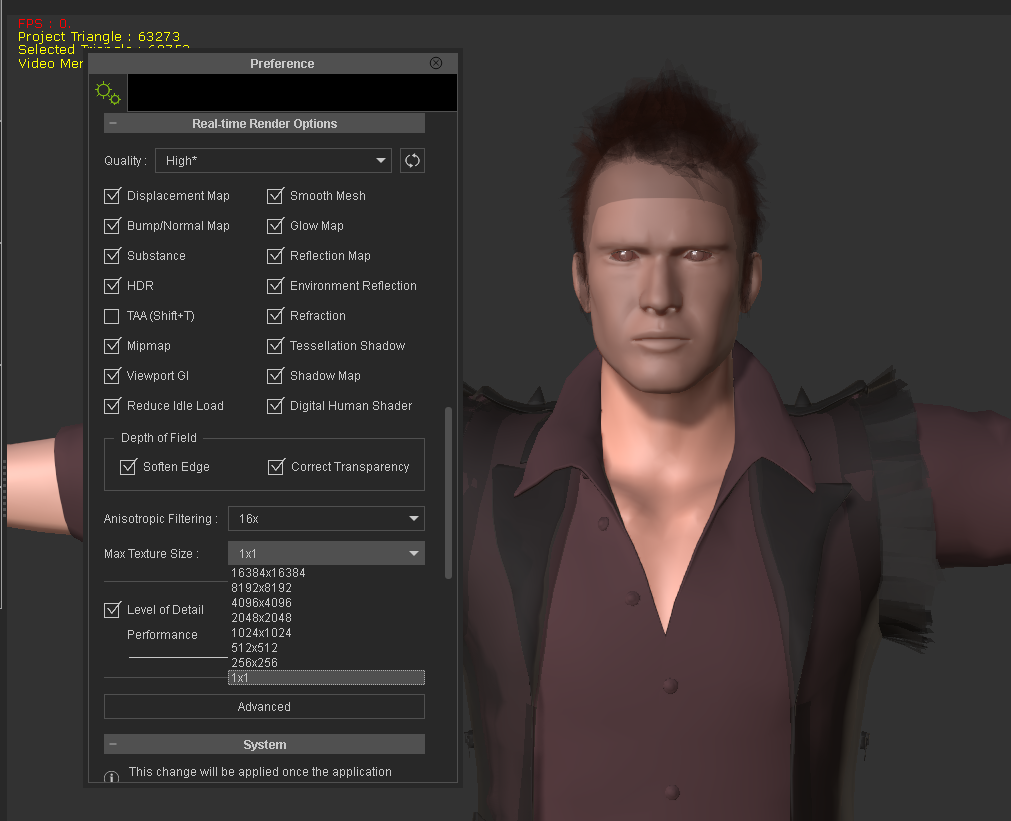
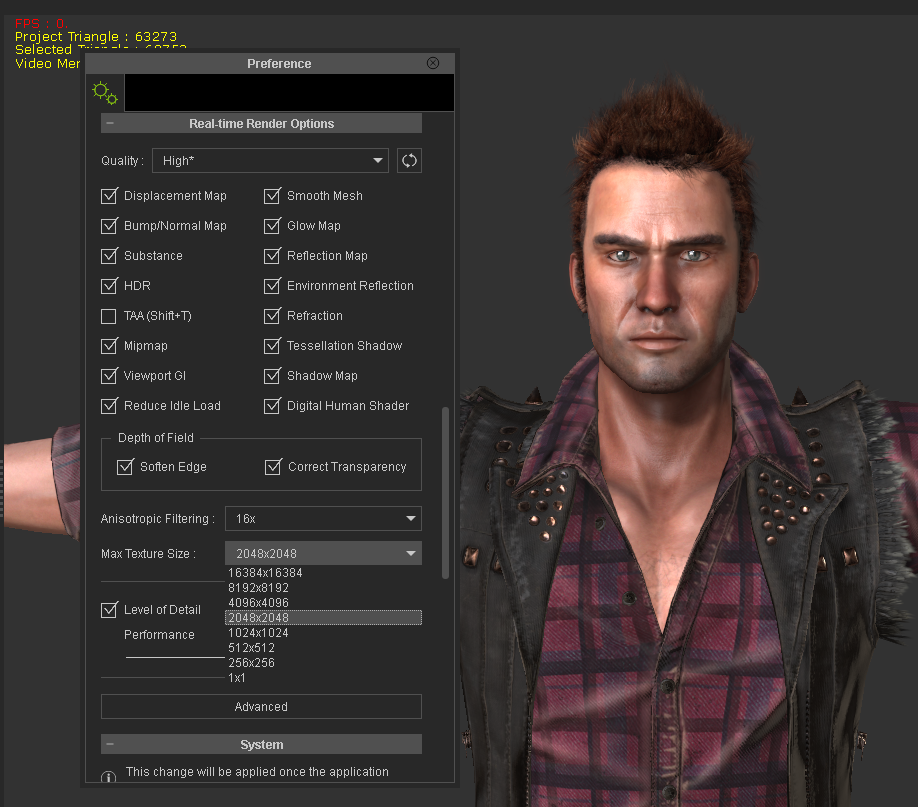
Open the Preferences panel, Edit>Preferences or press Ctrl+P, and make sure that the "Max Texture Size" is set to something other than 1x1
|
|
By atif.karrem - 6 Years Ago
|
woah @wires thank you my problem is solved!! my textures result is now normal
Thank you so much Peter (RL) for your response driver was not the issue
|
|
By wires - 6 Years Ago
|
|
Good to see that things are working again as expected for you. :)
|