Hi...
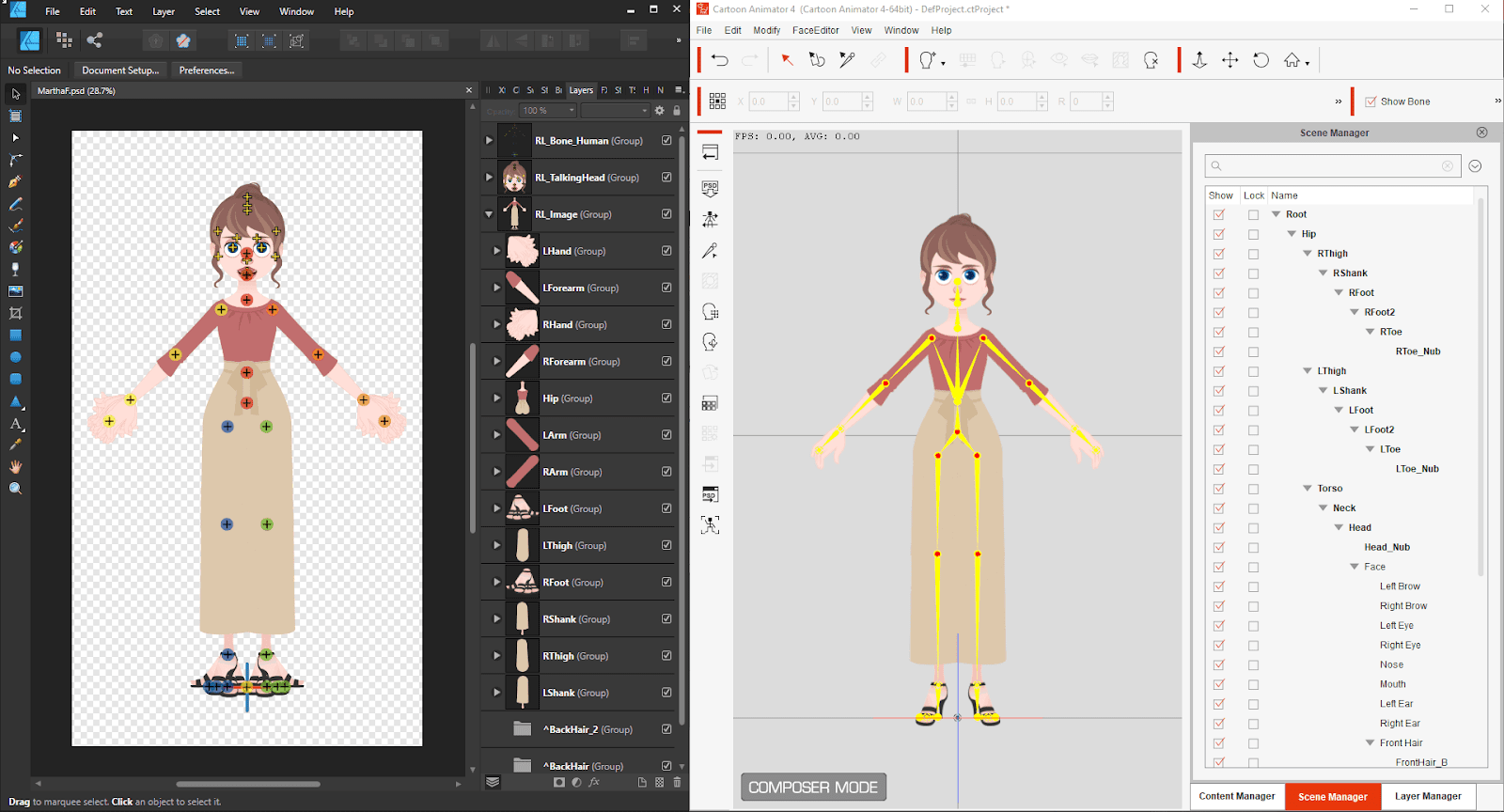
First thing to check is that you have "Enable "Save" over imported PSD Files" checked in your Affinity General Preferences.
If you then still have problems, please try the following workaround:
Affinity by default will automatically remove hidden layers when exporting in PSD format.
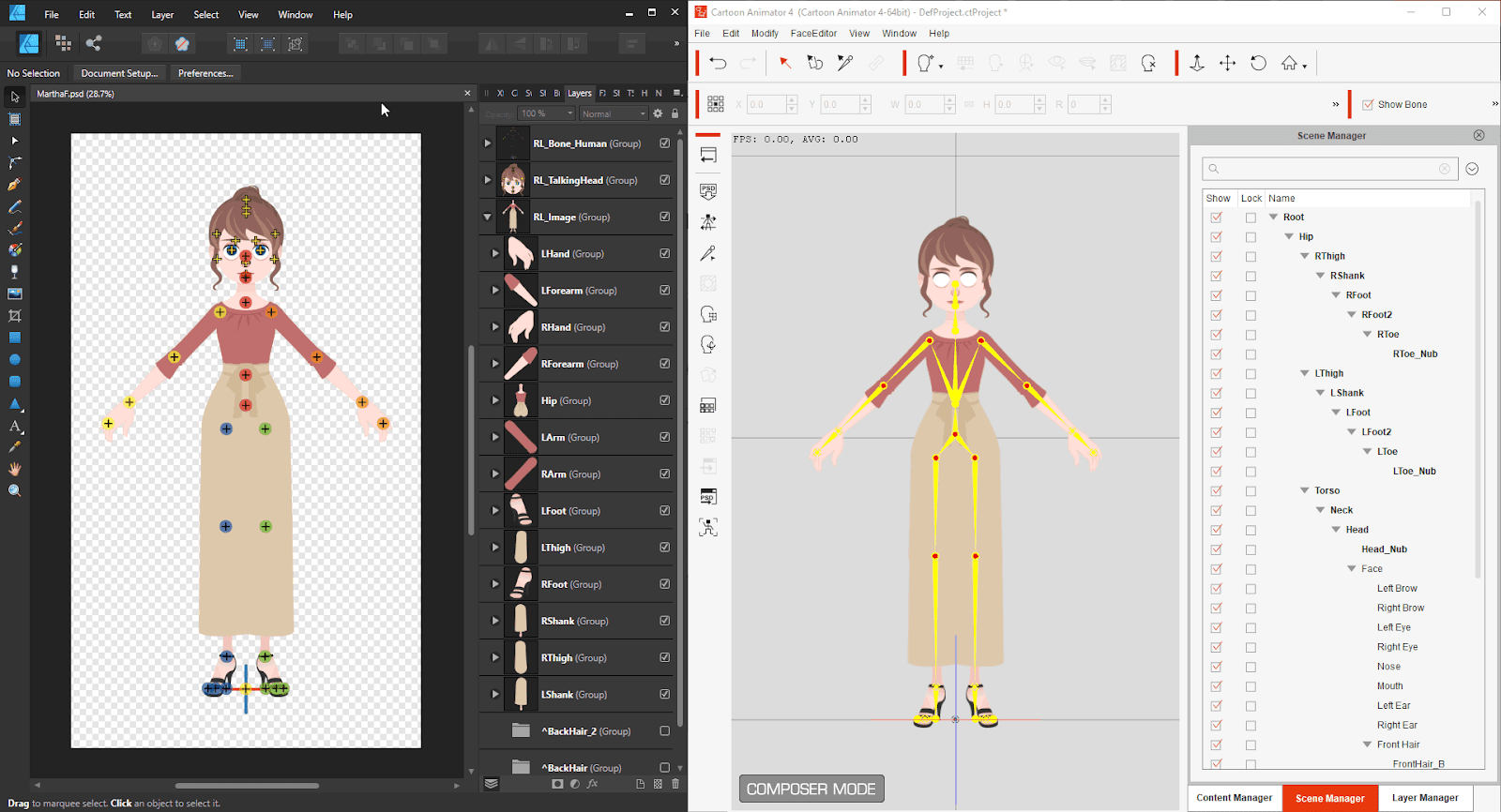
So when using CTA 4 to launch PSD to Affinity, the hidden layers will be deleted by Affinity (Designer/Photo) and cause sprites to be missing after updating back to CTA 4.
To workaround this please try the following:
Step 1. Select the "Layer" on the Affinity menu bar then click the Show All (Ctrl+Alt+Shift+H).
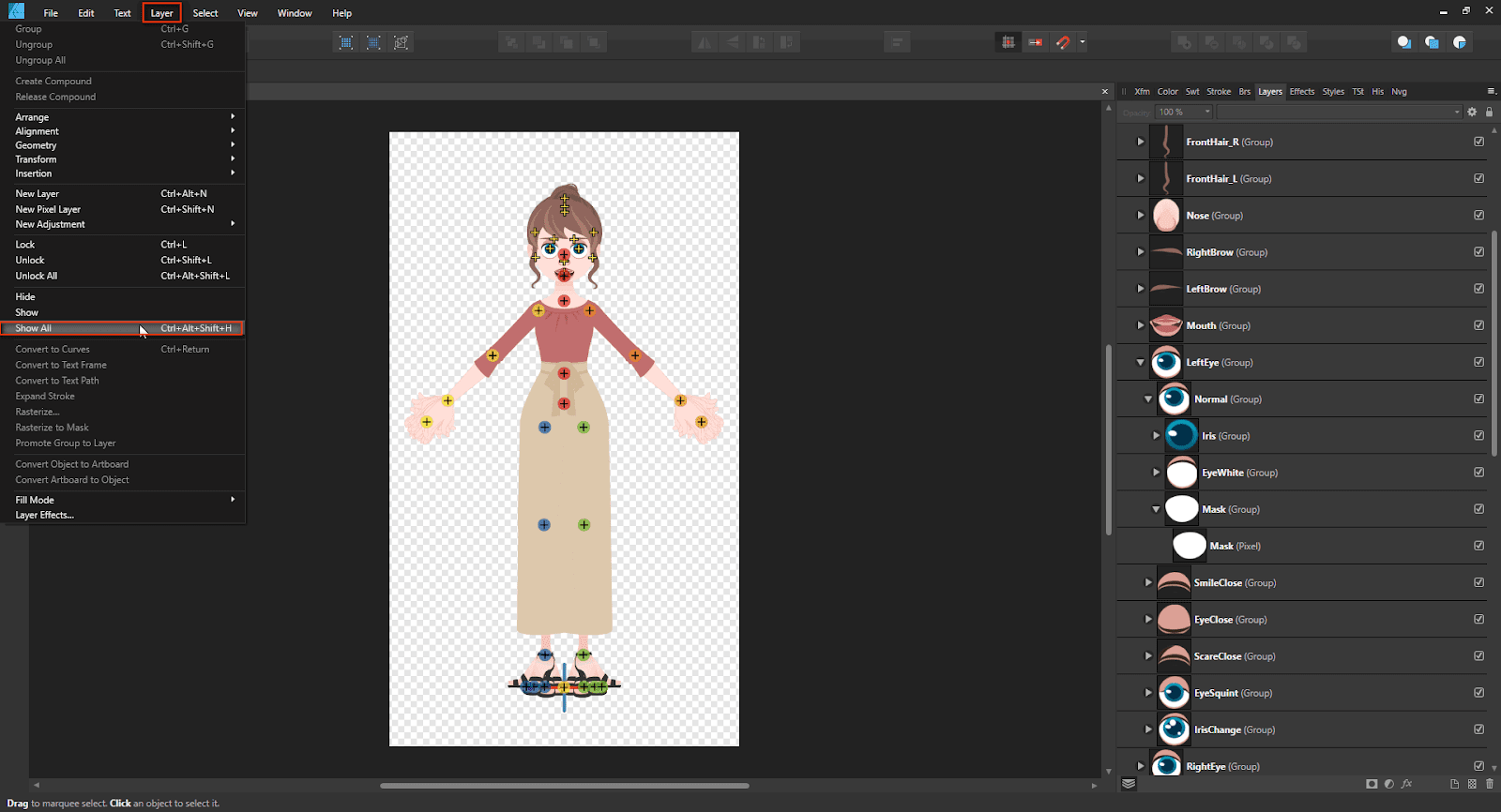
Step 2. Save this character in PSD format. You should now not have any missing sprites.