|
By toystorylab - 5 Years Ago
|
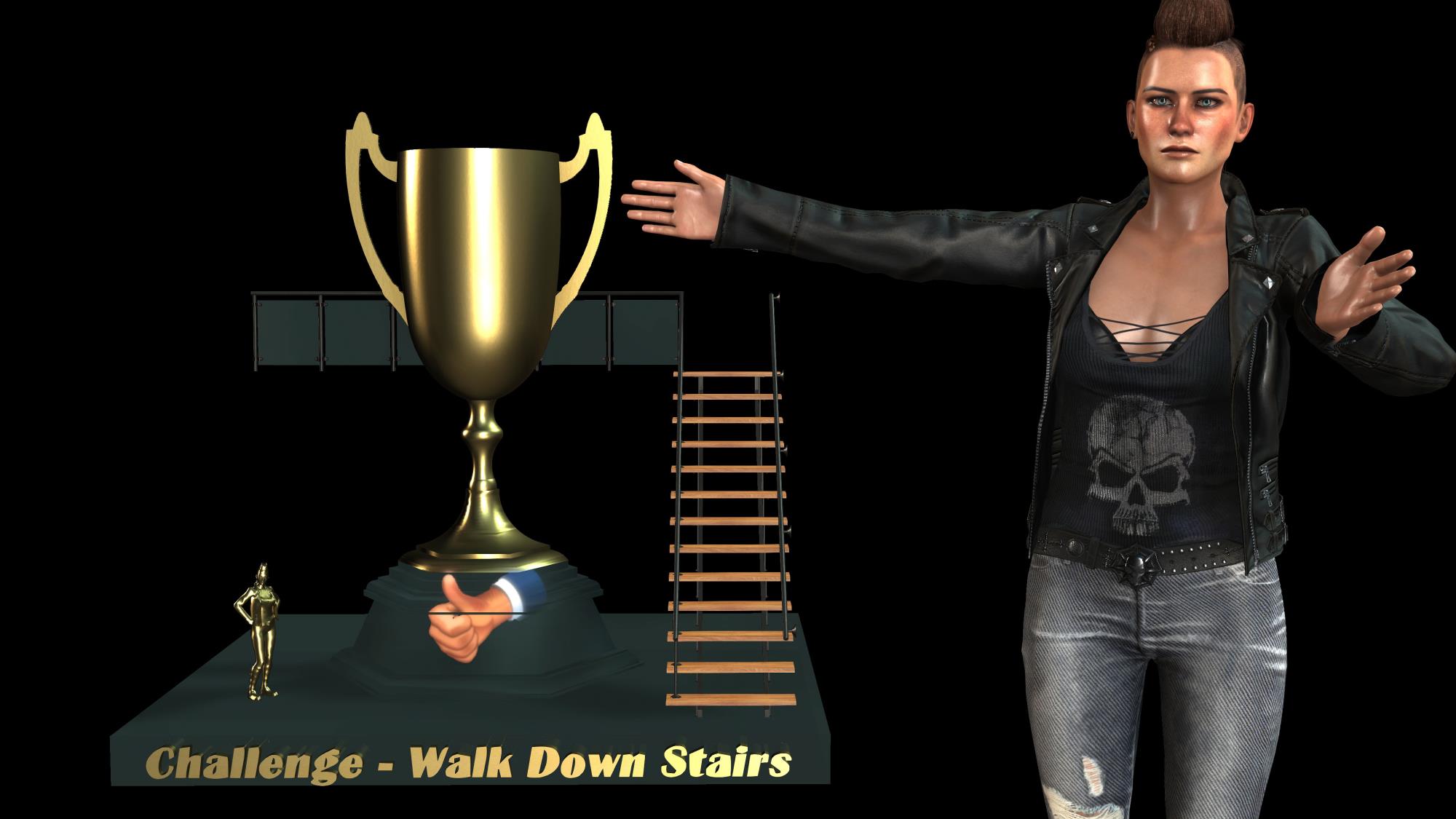
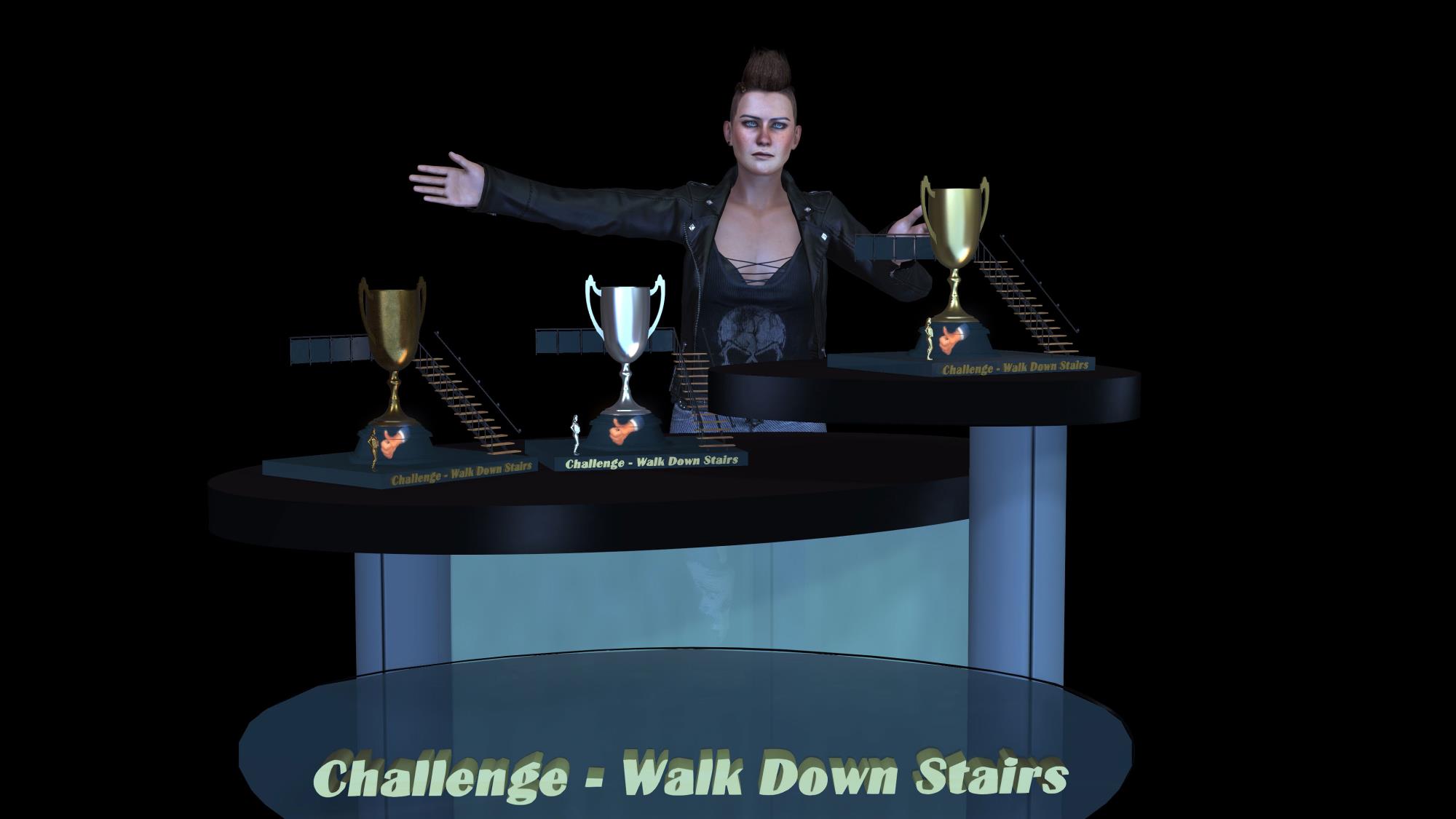
As I am working on the Trophies for the "Walk Down Stairs" Challenge, how do I convert a Character into a Prop?
I made a tiny Jade, reduced to 8000 Poly with InstaLOD and I would like to attach her to the Trophy.
How do I do that? And she has to keep this pose...
|
|
By 4u2ges - 5 Years Ago
|
Pose her in CC (or apply pose saved in iClone)
Export FBX with Current Pose selected. Check InstaLOD and select number of faces (Level) and texture size.
Import that FBX to iClone.
You now have a posed prop :)
|
|
By Peter (RL) - 5 Years Ago
|
If you want a true Prop (iProp) then you can do the following:
1. Send the character to 3DXchange 7 Pipeline.
2. Load the pose.
3. Export to OBJ
4. Load the OBJ back in 3DXchange 7
5. Export to iClone as an iProp.
|
|
By toystorylab - 5 Years Ago
|
@ 4u2ges & Peter
Thanx for reply!
I now used 4u2ges' method and that worked fine ;)
Thought it would make trouble cause i don't have export licence,
or do we have that for Jade, as part of iClone, automatically?
By the way, "true" prop? Not sure what you mean?
As soon I saved my "result à la 4u2ges" it is an iProp...
Anyway, if I need this again I will try Peters way :D
|
|
By 4u2ges - 5 Years Ago
|
Frankly, I've been doing it from 3DX\OBJ, but since you mentioned LOD, the CC way is one step export.
Regarding content Export, the built-in content have export license by default.
But regardless, whatever you do with built-in app tools on your computer without breaking an app should be considered legal.
|