|
By green.damion - 6 Years Ago
|
Archway 1 is in blender, and Archway 2 is in 3d Xchange...what todo?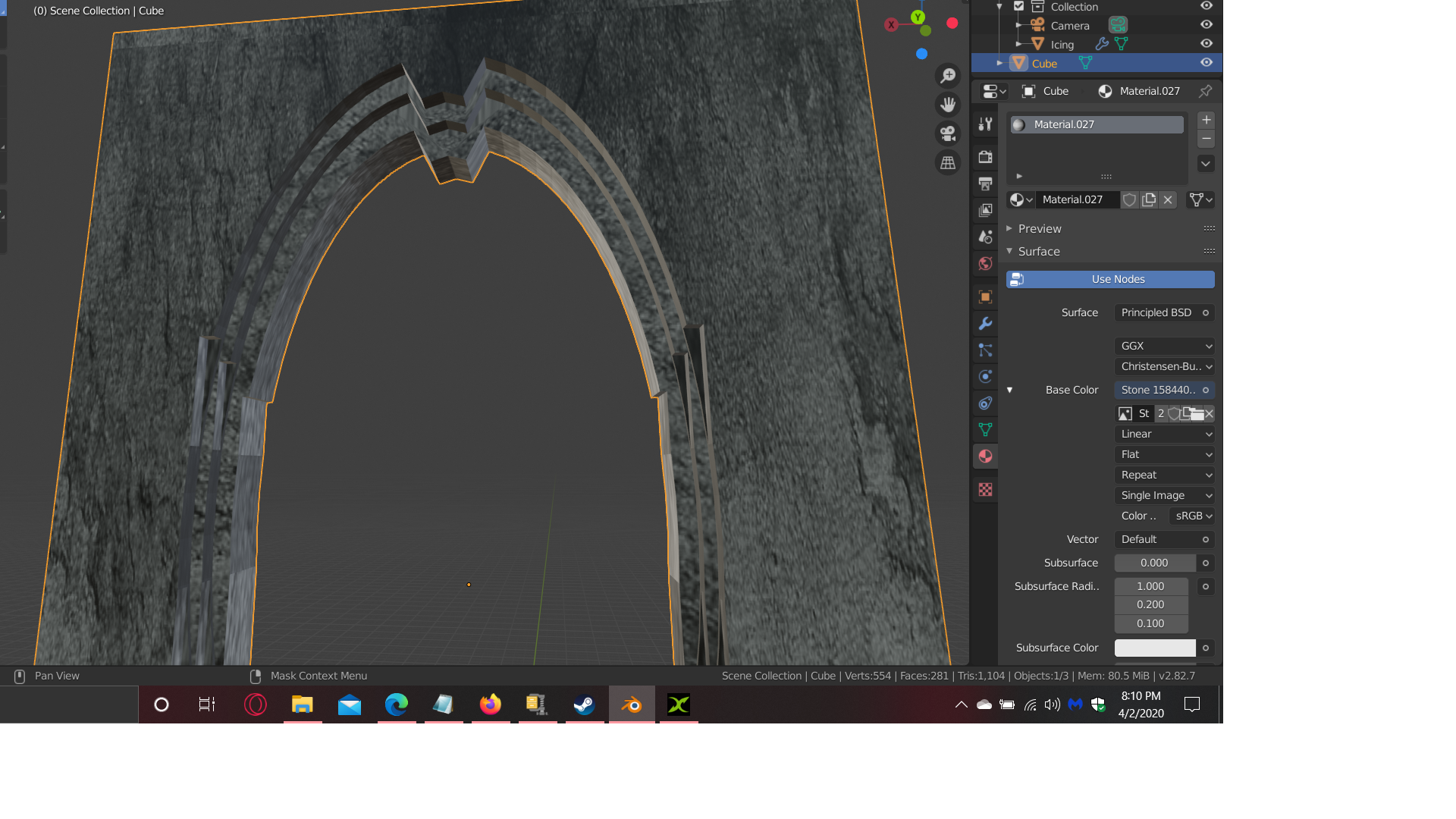 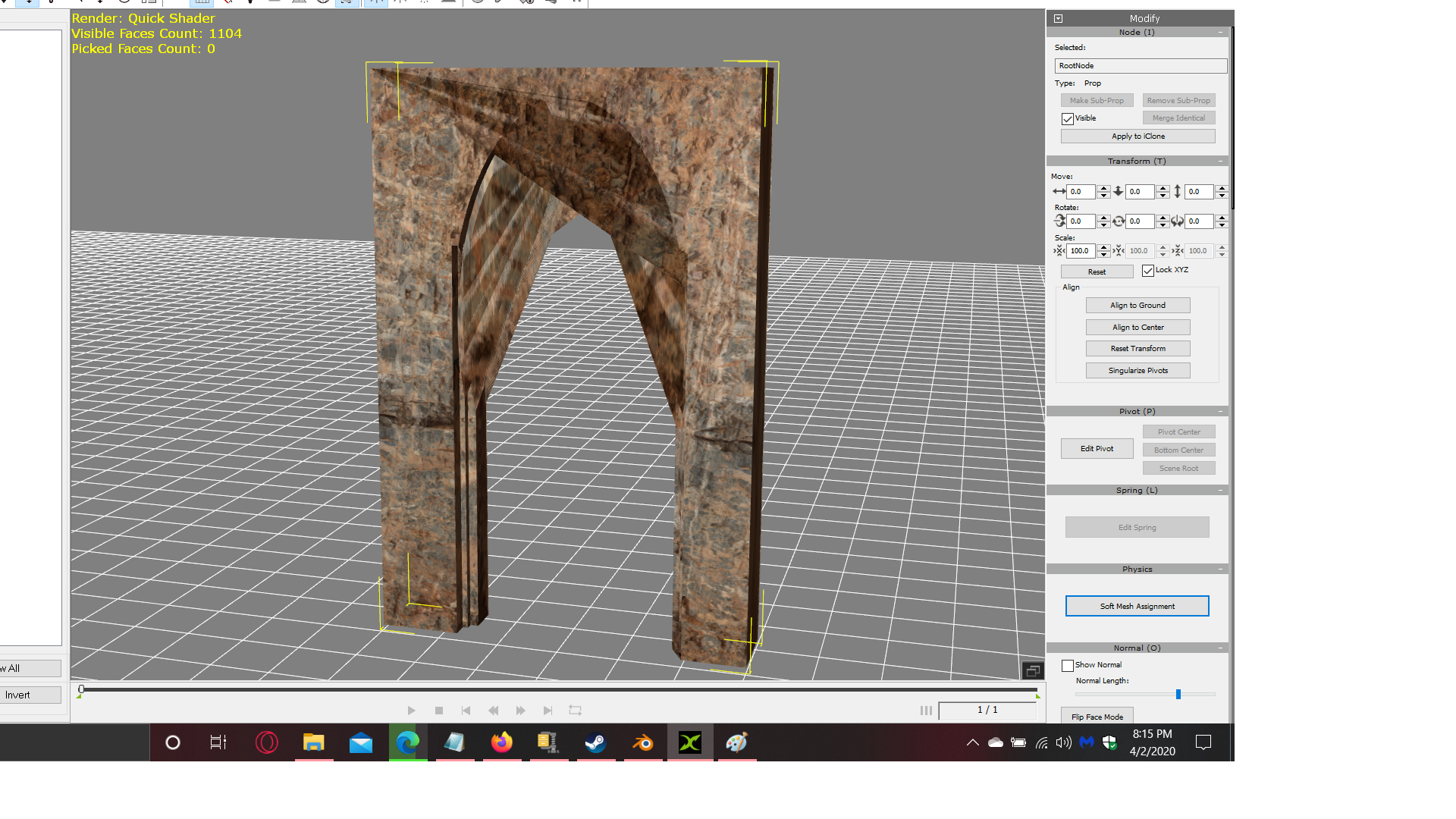
|
|
By 4u2ges - 6 Years Ago
|
Triangulate faces in Blender before exporting
In Edit mode select All vertices/faces/edges with "A" and then do CTRL+T
|
|
By green.damion - 6 Years Ago
|
|
It worked...Thanks!!!!!!!!!!!!!!!!!!!!!!!!!!!!!!
|
|
By 4u2ges - 6 Years Ago
|
I am glad it worked out. Unfortunately you missed my reply in your thread last year with this issue. You could have fix it then :)
https://forum.reallusion.com/432075/RE-Blender-28-import-issues-or-Alternative#bm432201
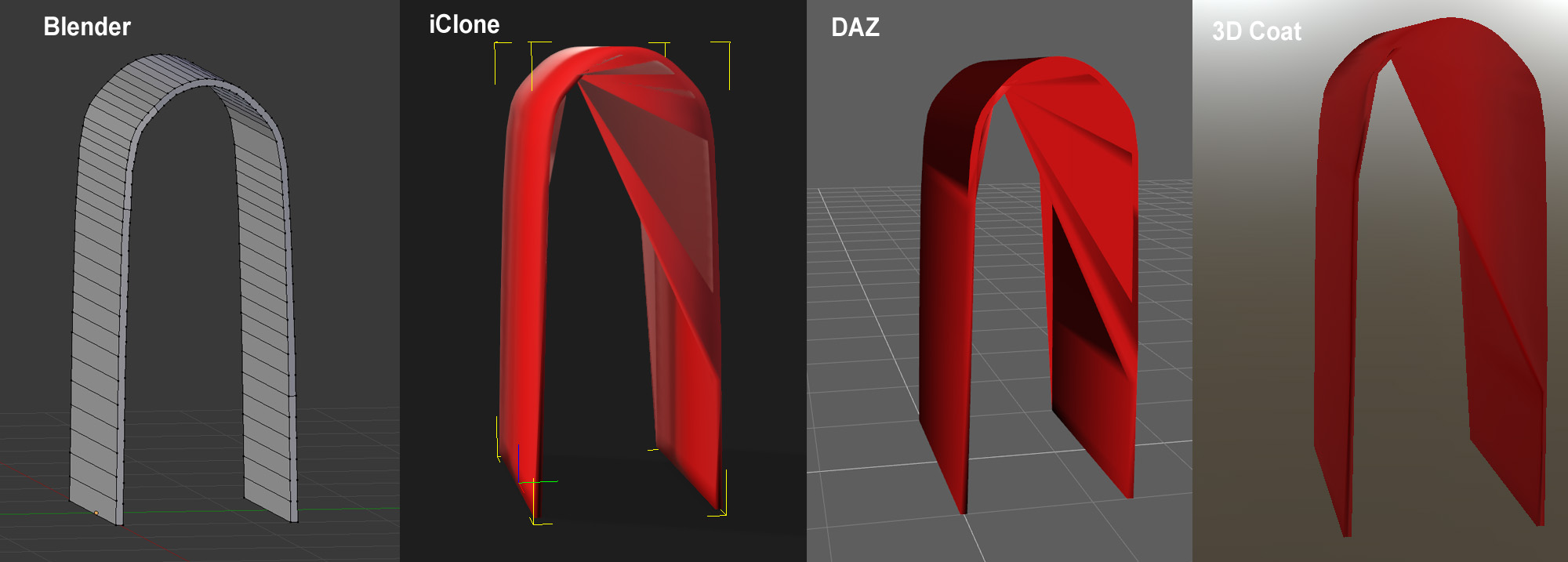
And frankly a mesh with ngons (faces with more than 4 vertices) does not look pretty in most any 3D app:
|