|
By ouisie - 6 Years Ago
|
Hi everyone,
I'm new to CTA and working through some tutorials but have run into something I can't figure out. In this tutorial https://www.youtube.com/watch?v=kN-mKg5KlmM at 6:00 min is where I'm having problems.
I have set all the bones to my sprite and am now trying to add images in the layer manager but when I import the image it seems to be sized wrong. The tutorial says when you click to add an image a dialogue box will pop up and I'm supposed to Keep Parent Transform when I import, but when I do that the image is blown up way too big.
Not sure if anyone has run into this, or if I've missed something but any help would be fantastic!
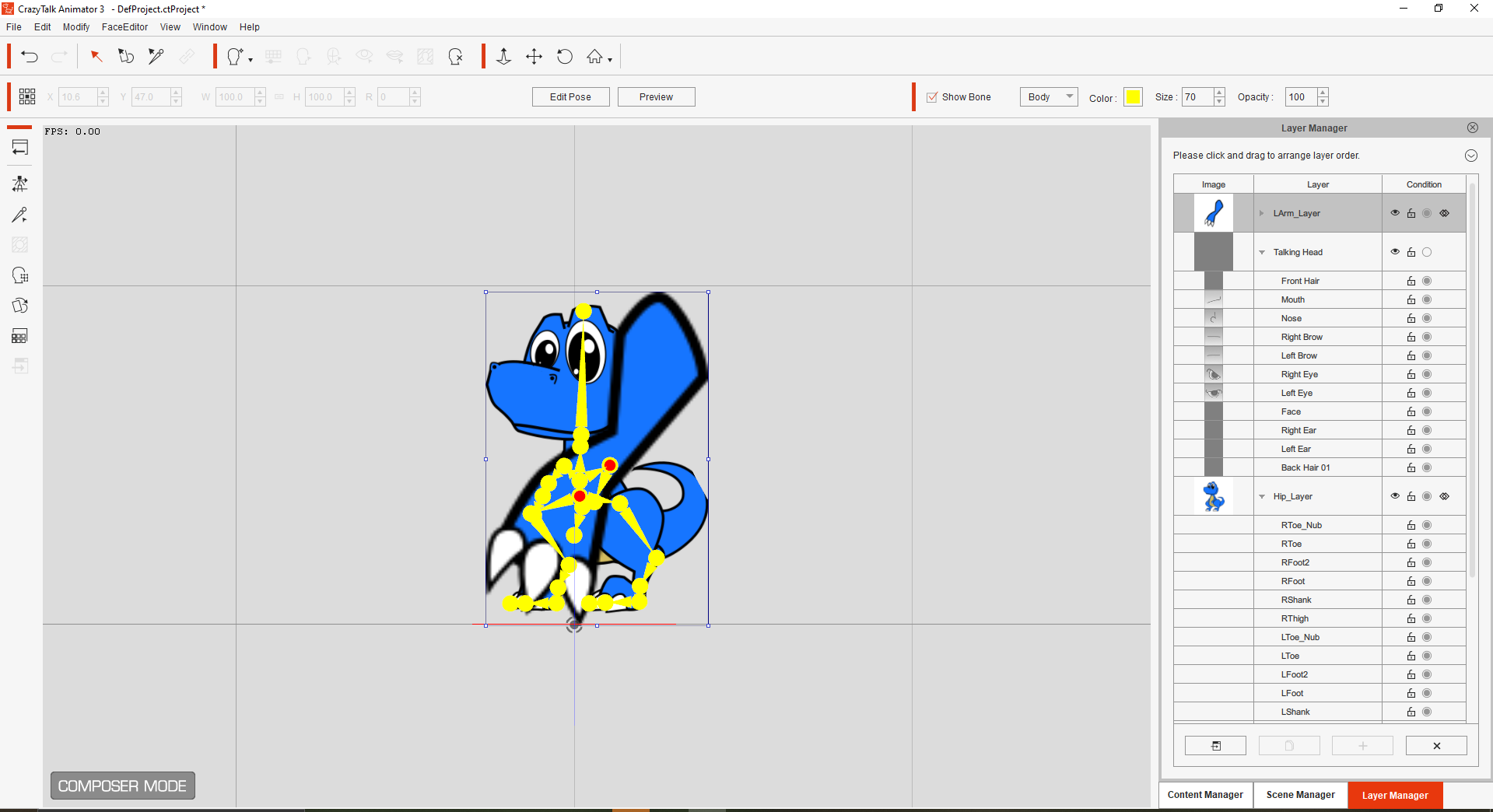
|
|
By carl.e.henderson - 6 Years Ago
|
Did you get this working?
I can't seem to.
Thanks!
|
|
By vepop - 6 Years Ago
|
Try this:-
1. Click the 'Hip_Layer' in the Layer Manager.
Take note of the W (Width) and H (Height) value.
2. Click the "LArm_Layer".
Add the sprite.
3. While the sprite is selected, click the Sprite Editor.
4. Adjust the Width and Height value to match the one given by the "Hip_Layer'.
5. Do the same to the others.
|