|
By ultimativity - 6 Years Ago
|
Hello, when I install the DH default lights there is no luminence. The display goes black. The Modify tab has no effect on the lights. The lights are present but do not light the scene.
I reinstalled iClone 7, but this did not fix the problem.
I am running the latest Win 10 updates, and NVIDIA Studio Driver Version 441.66. I switched to GeForce Game Ready Driver V 441.87, but no change.
Can anyone help?
Thanks,
Nathan
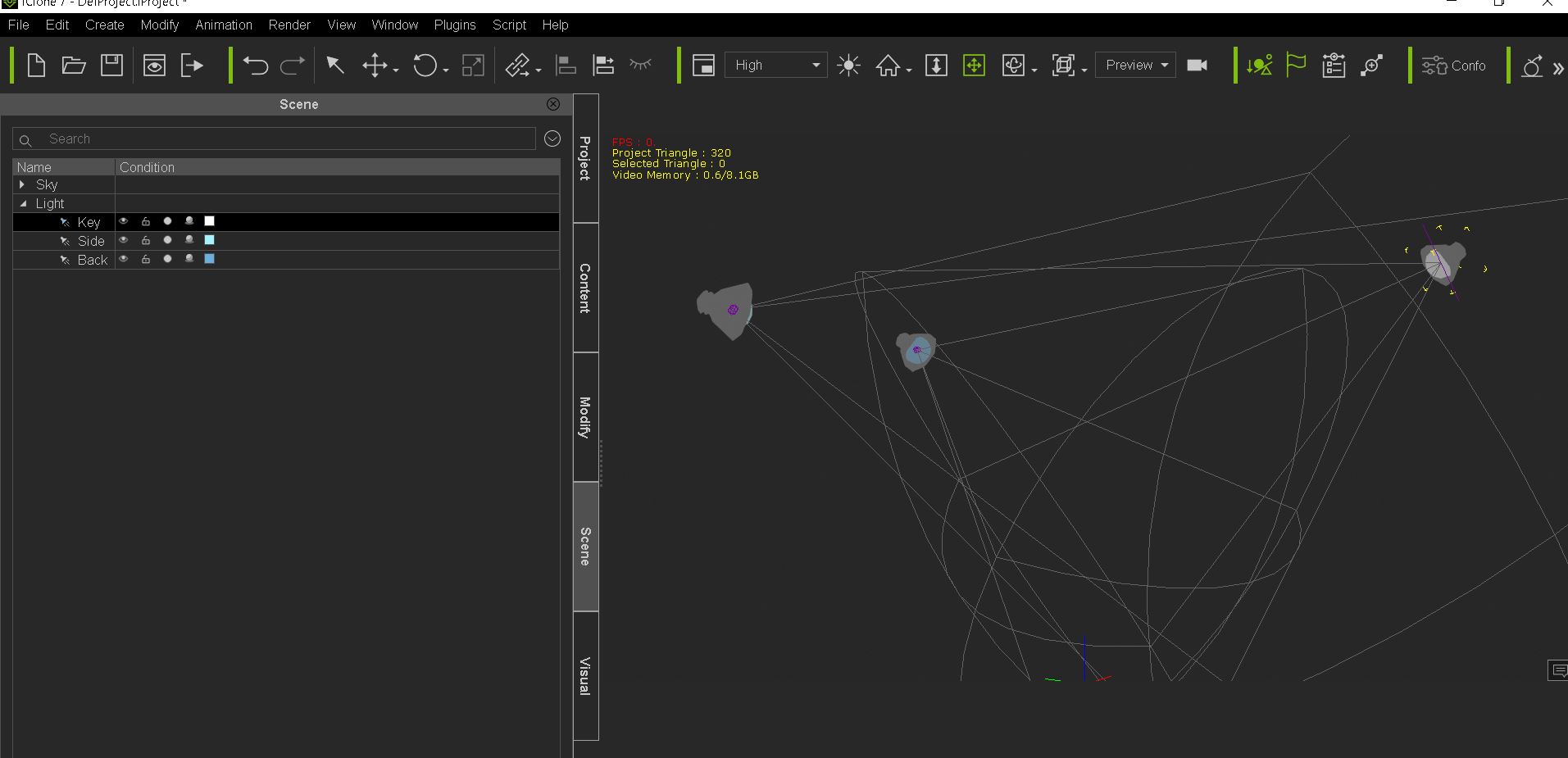
|
|
By 4u2ges - 6 Years Ago
|
But what are you trying to illuminate at the scene on a screenshot?
|
|
By animagic - 6 Years Ago
|
It seems you have nothing in your scene for the lights to shine on?
EDIT: 4u2ges was quicker...
|
|
By ultimativity - 6 Years Ago
|
Well, that's embarrassing. I had a scene open, dropped in the DH Default lights and it cleared the scene. I assumed it the lights were no longer working but the props were still there.
It works fine.
|