|
By Rogue Anime - 7 Years Ago
|
Friends - Thanks to everyone for being so present, thoughtful & knowledgeable! Can someone direct me to a tutorial that will show me how to create an iProp from an existing .PNG logo? I have Photoshop & related Adobe products.
Thanks a bunch ~V~
|
|
By Kelleytoons - 7 Years Ago
|
Val,
I guess it would depend on what you are looking for -- do you mean you want to take a PNG file and just overlay it on a rectangle, or are you looking for some bas-relief (if the latter you are probably talking about using the Substance Bitmap to Material, which you'd have to have).
|
|
By animagic - 7 Years Ago
|
Like Mike suggests. The opacity channel of the PNG file makes the parts of the rectangle that supposed to be invisible transparent. I have used it to create a neon sign and it works quite well.
|
|
By Rampa - 7 Years Ago
|
Do you mean actual 3D lettering?
You would need to that externally and import it.
|
|
By Kelleytoons - 7 Years Ago
|
Or, as I said, if you just want bas-relief use the Substance tool for it:


|
|
By sonic7 - 7 Years Ago
|
So, as far as a 'tutorial', I guess Mike is referring to something like this:
|
|
By illusionLAB - 7 Years Ago
|
You can do it right in Photoshop. A better way would be to 'trace' the PNG in Adobe Illustrator and export an SVG spline which you can extrude in Blender. If you have the full Adobe Cloud Suite, you also have Cinema 4D Lite - so you can export a 'trace' from AE to C4D to extrude.
https://www.youtube.com/watch?v=rRdoBRR8V40
|
|
By Kelleytoons - 7 Years Ago
|
I keep forgetting I have C4D lite -- I should boot it up some time and take a look at it (I looked at it many years ago, but perhaps it would work as a tool for me at times).
Thanks for reminding me.
|
|
By Rogue Anime - 7 Years Ago
|
WOW! All these wonderful responses! Thanks to Mike, Steve, Rampa & Dennis - I Mayhaps should have been a bit more specific! The end result of what I need to achieve would be to have the original PNG transformed into a 3D prop such as the one displayed here. Sorry for the confusion friends
~V~
|
|
By mark - 7 Years Ago
|
As Mark said, that is easy in Photoshop. If you have CS6 extended on up you can create a nice 3d object from a .png with it.
I did this rough test just the other day with this guy's signature, made a .png in Photoshop then converted it to an .obj, then brought it into iC7
|
|
By toystorylab - 7 Years Ago
|
|
mark (3/16/2019)
As Mark said, that is easy in Photoshop.
Did not know that... (go to 3D and make a "3D-Extrusion")
Tried it out:

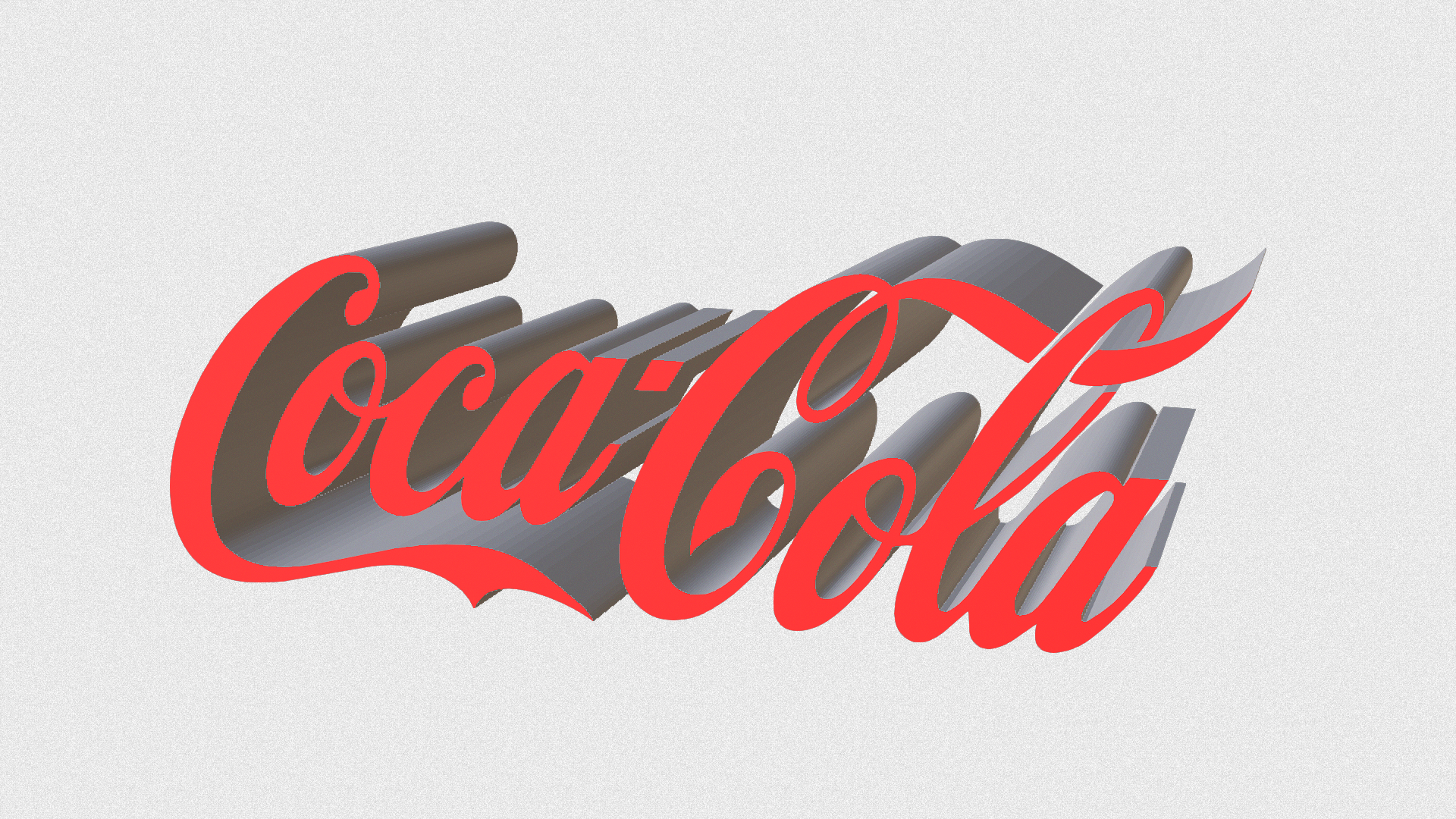


If your png is too complex it does not work:

|
|
By Rogue Anime - 7 Years Ago
|
|
mark (3/16/2019)
As Mark said, that is easy in Photoshop. If you have CS6 extended on up you can create a nice 3d object from a .png with it.I did this rough test just the other day with this guy's signature, made a .png in Photoshop then converted it to an .obj, then brought it into iC7
Wow! Thanks, Can you point me to the correct tutorial for this? Is it hard to convert to an iProp? ~V~
|
|
By Rogue Anime - 7 Years Ago
|
|
mark (3/16/2019)
As Mark said, that is easy in Photoshop. If you have CS6 extended on up you can create a nice 3d object from a .png with it.I did this rough test just the other day with this guy's signature, made a .png in Photoshop then converted it to an .obj, then brought it into iC7
WOW! damn cool, Really nice work - This will have to be the way to go, just need to get in there and figure it out now. I need to be able to see all sides of the .obj/iProp
~V~
|
|
By Rogue Anime - 7 Years Ago
|
Kelleytoons (3/15/2019)
Or, as I said, if you just want bas-relief use the Substance tool for it:
Thanks Mike - I was going for the all sided prop, and this is also great information I did not know! I really am grateful for your help here, & you're a good 'neighbor' (if you count Palm Beach a neighbor) Thanks again Mike ~V~
|
|
By mark - 7 Years Ago
|
Found some decent tutorials on YouTube... at the point when you have what you need just go to the 3D menu and "Export 3D layer" and that will give you the option to save as an .obj.
You will also need 3DXchange to bring the obj into iClone ;)
|
|
By Rogue Anime - 7 Years Ago
|
|
mark (3/16/2019)
Found some decent tutorials on YouTube... at the point when you have what you need just go to the 3D menu and "Export 3D layer" and that will give you the option to save as an .obj. You will also need 3DXchange to bring the obj into iClone ;)
WORKED LIKE A CHARM! Somehow, I thought this was harder... lol! Mark - yer a genius -
This is yet another hologram projector sequence for a 26" machine. Below is the result. Holograms are just about all I do now, so the logo to 3D is a big one.
Thanks for this, I would have saved myself time & brain-bleed if I'd have asked sooner.
This took me only minutes from .PNG to .iProp MEGA THANKS!!!
~V~
|
|
By mark - 7 Years Ago
|
WOW!!! Good work, that's sweet!!!:D;)
|