|
By SagaStudios - 7 Years Ago
|
|
So, I bought this but I am confused as there is no section in the forums for support of this product. So, if you are no longer "really" supporting then don't sell it and take it down along with any videos so that say this is good option when you don't have thousands of dollars for MOCAP. With that being said, I had it attached and it worked for about 5 seconds and doesn't work anymore. I have the Kinect for Xbox One. I purchased the plugin and downloaded. I installed and it but can't seem to get it do do anything. It lit up for a second and then I just keep getting this error. Server IP gives an 10. address and says that Kinect is not connected but it shows up in the Device Manager. I am running an MSI GT83VR Titan with GTX 1070 NVIDIA. Has 32GB of memory and nearly 2TB of storage. Any ideas of why this won't work. Light comes on and then goes off and nothing happens. I also, updated the drivers as stated on the internet because of the Windows 10 update.
|
|
By Kelleytoons - 7 Years Ago
|
|
I'm going to bite my tongue here but the best advice I can give you now is to to Microsoft's site where you can download the program that will completely check out your Kinect installation. It can reveal any problems you might be having (sorry, don't have the link but it's easy to Google for Kinect check or perhaps Kinect diagnostics).
|
|
By SagaStudios - 7 Years Ago
|
|
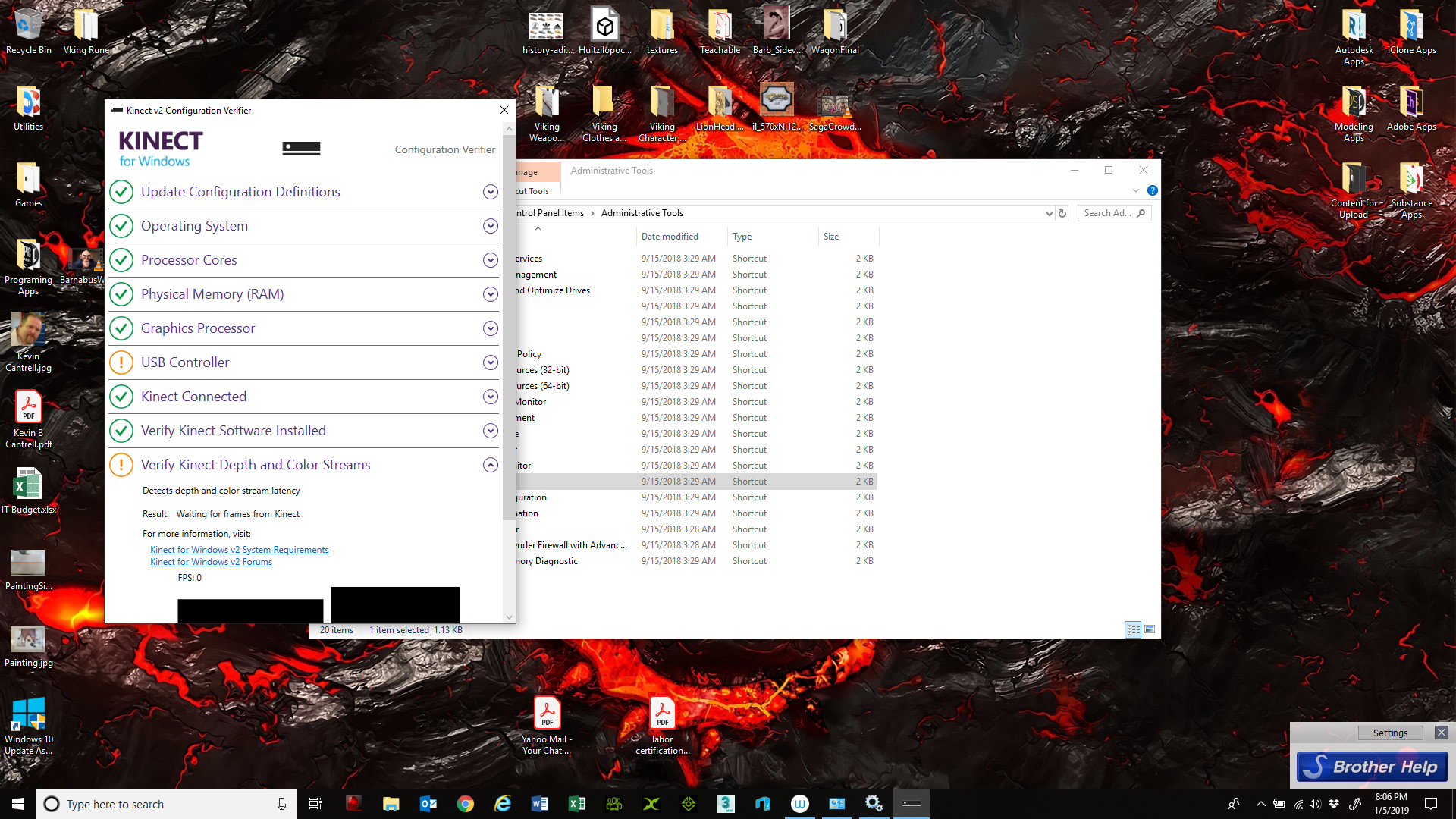
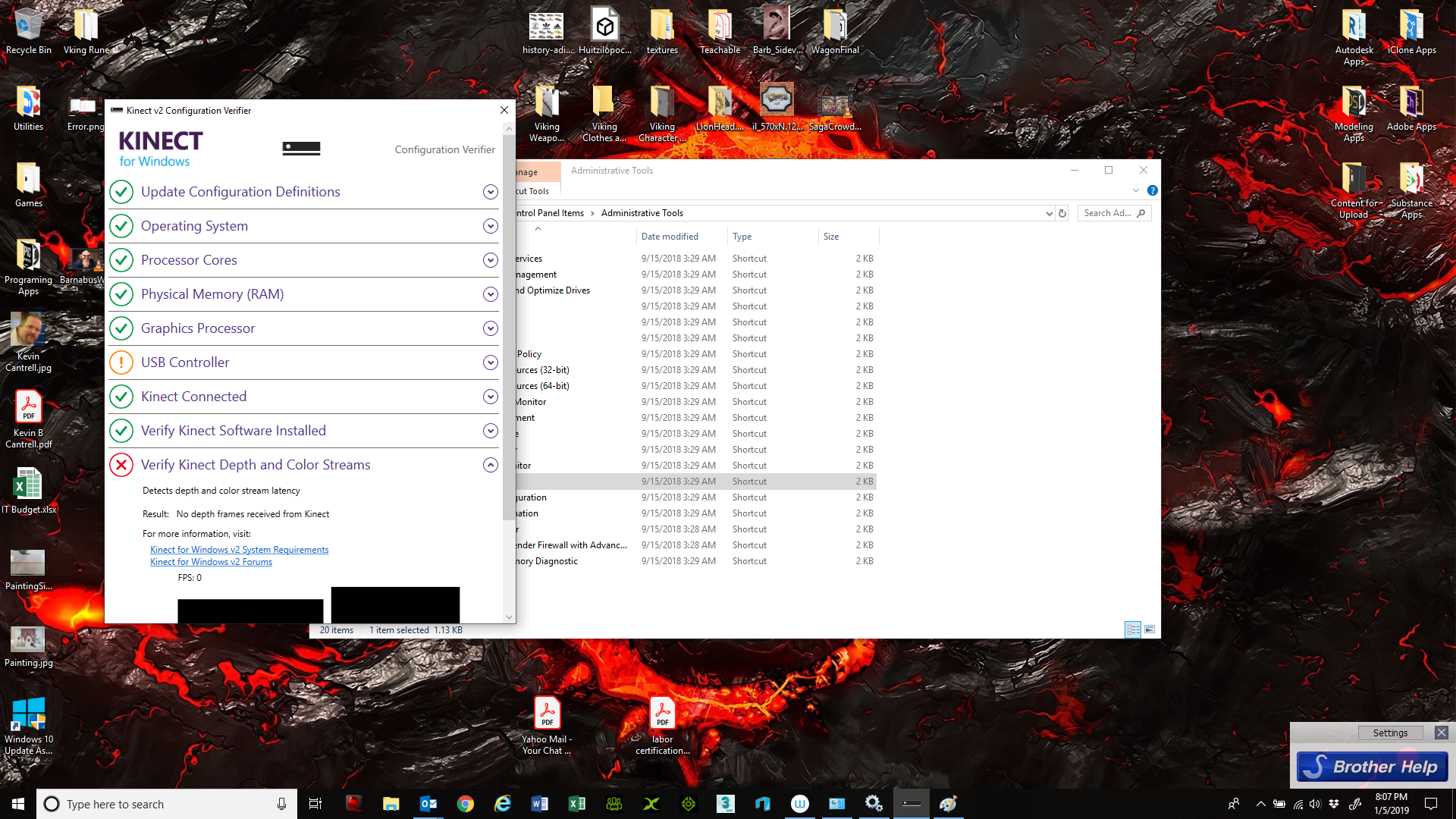
Already downloaded the item. Everything passed except USB which they say is normal and the last step which says something about not getting depth.
|
|
By Kelleytoons - 7 Years Ago
|
That last part doesn't sound good -- you shouldn't have anything other than strictly green IIRC.
Try and see if you can fix that (they will recommend some things).
|
|
By SagaStudios - 7 Years Ago
|
|
So their resolution was that, there was an issue with Windows Creator update. Microsoft issued a fix in the form of driver that is dated for 2016. You right click the item in Device Manager. Did that and it installed the "newer" driver but still had the same issue. Another suggestion was that I needed to go into NVIDIA Control Panel and change Processor to NVIDIA but the new NVIDIA Control Panel.
|
|
By SagaStudios - 7 Years Ago
|
|
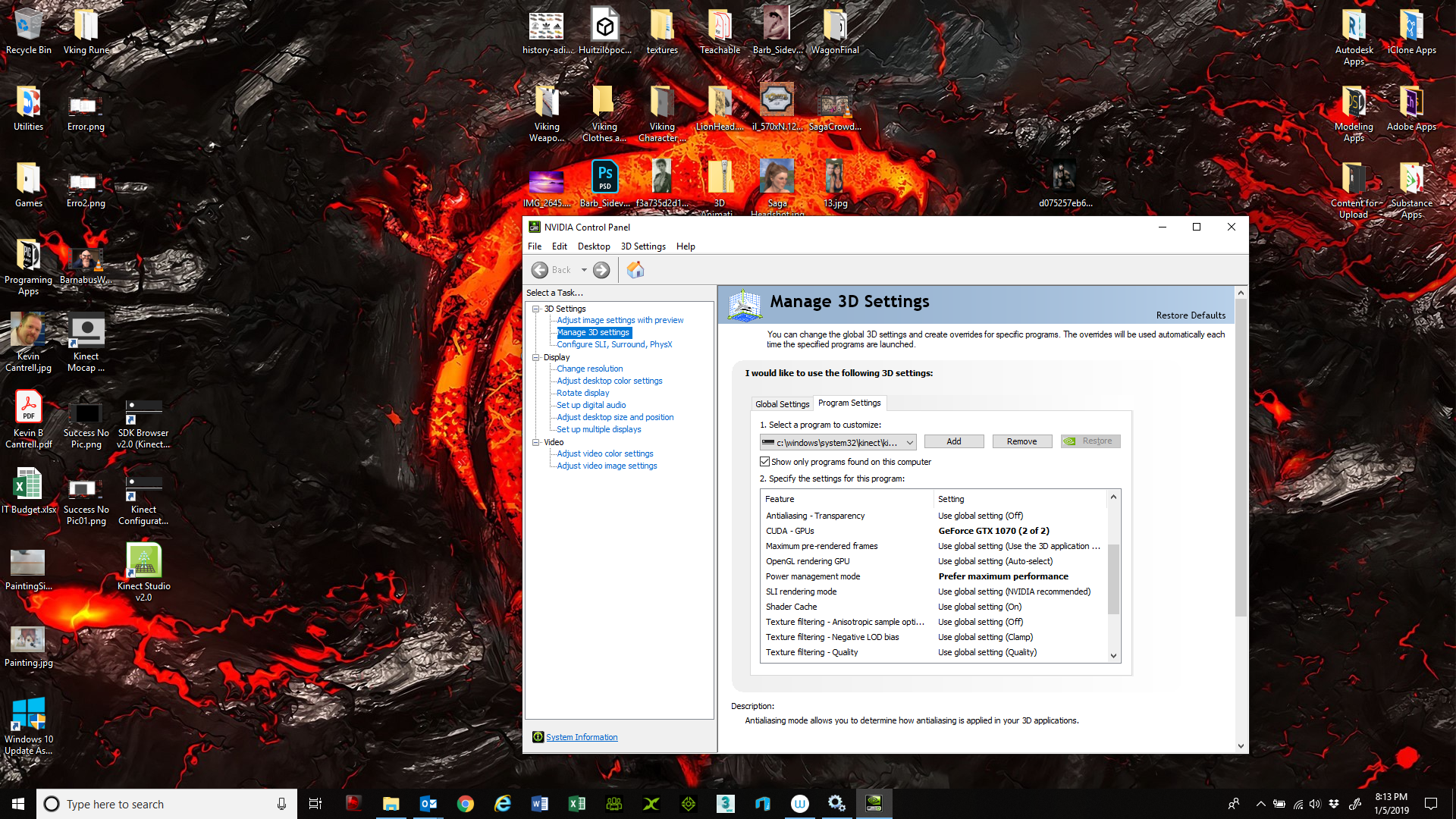
So, I have now updated my system to Windows Version 1809 as one site recommended. It installed an update to Kinect. I have also adjusted settings in NVIDIA Control center to dedicated a CUDA from GTX 1070 and Max power settings for the Kinect Service. I have renistalled Kinect V2 SDK and ran Configuration and again it fails at the last step and says it can get no depth information or FPS. Surely there is someone from tech support who monitor this forum.
|
|
By animagic - 7 Years Ago
|
The forums are not intended for official Tech Support. It's rather users helping out other users.
Your best bet is to contact RL Tech Support directly at: https://www.reallusion.com/CustomerSupport/UserEx/QForm.html.
|
|
By Rampa - 7 Years Ago
|
Kinect 2 only works with specific usb 3 chipsets made by Intel or Renesas. It also cannot function on an AMD motherboard. So if your machine meets those specs, then also make sure nothing else is connected to the same USb 3 hub. So if you are using the front USB 3 plug on your computer, unplug an other devices on the front USB.
EDIT:
https://support.xbox.com/en-US/xbox-on-windows/accessories/kinect-for-windows-v2-known-issues
|
|
By SagaStudios - 7 Years Ago
|
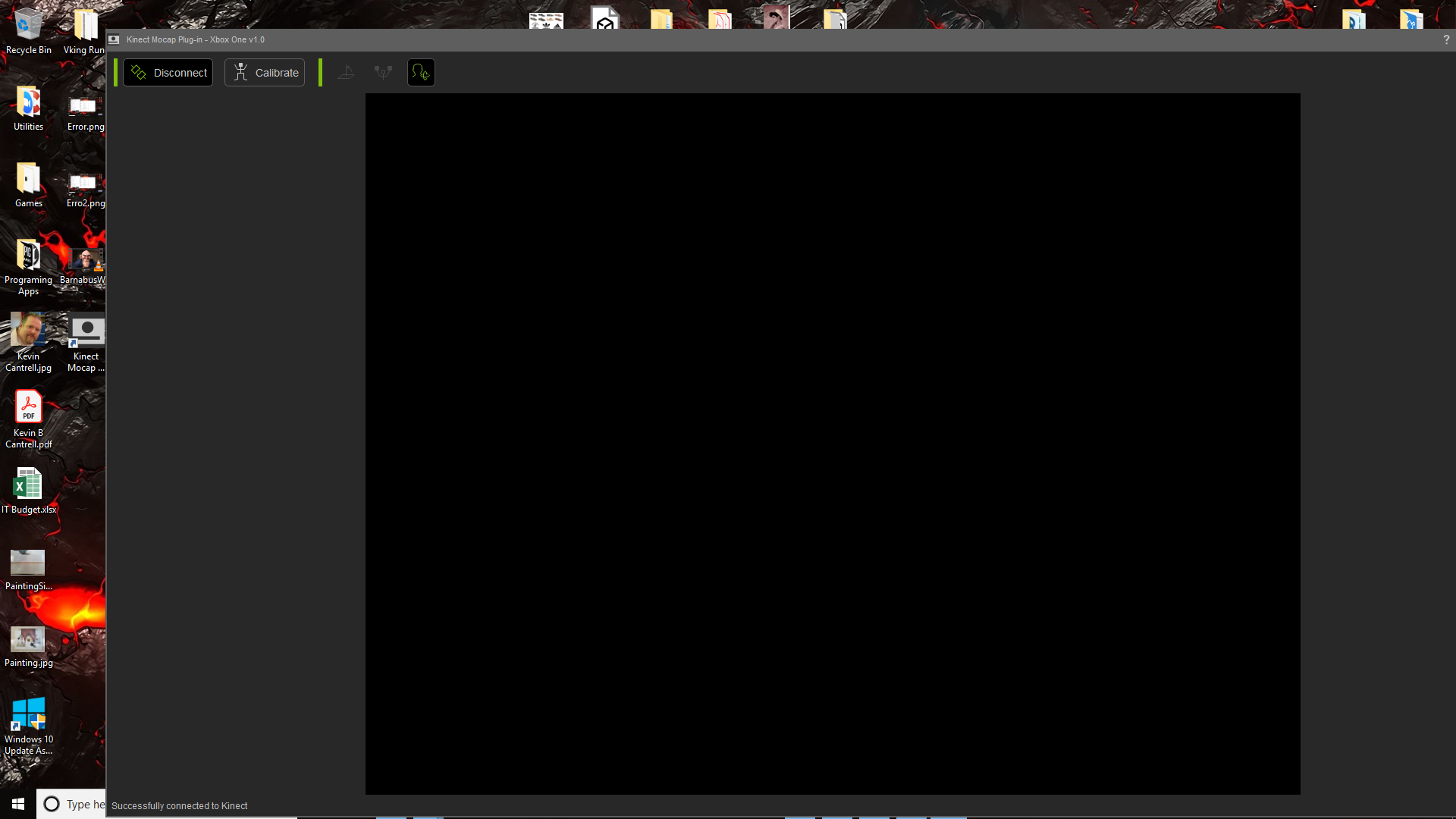
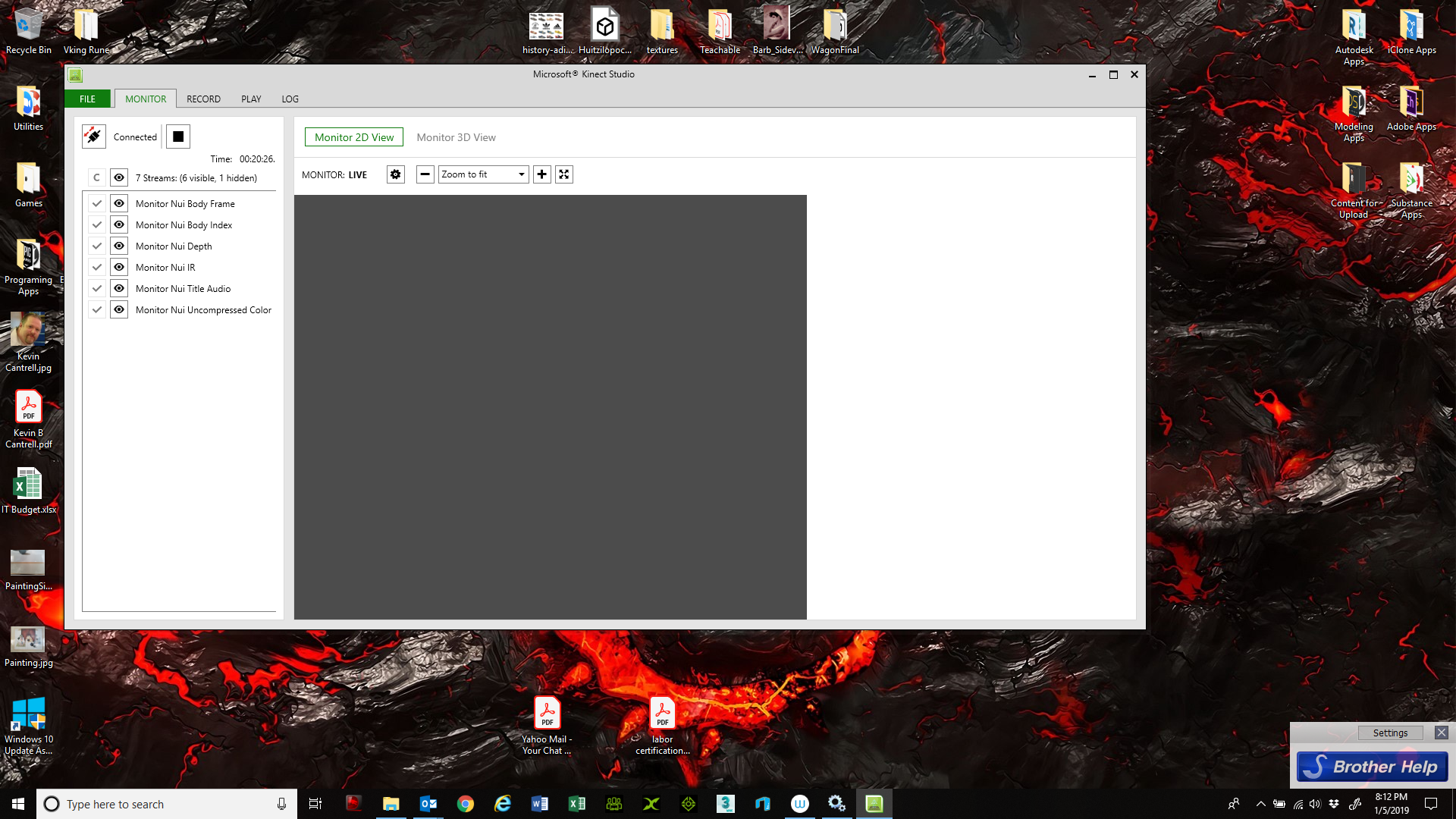
I lookUSB 3 Intel chipset. It says it is compatible and according to the Configuration Utility it says it is compatible. Again, not an AMD an Intel MSI motherboard. Disconnected the other items. I also made sure the Kinect Monitor Service is running. I have attached screenshots. I will note that it FAQ it tells me not to install the SDK but I did just the MOCAP plugin before and got the same results.
|
|
By Rampa - 7 Years Ago
|
Do you have usb 3 on the back of your computer as well? Try a different usb 3 plug if you have it.
Is this a Kinect you have used before? Do you know if it works properly?
|
|
By sonic7 - 7 Years Ago
|
|
@Saga ... I wish I could help, but I'm currently interstate with only mobile internet atm. I've had success with the Kinect for XBox One in combination with an MSI GT72VR 7RE laptop, though I'm using the Brekel Pro Body software. Before getting to that stage - I *had* been able to connect successfully with the Resolution software. From memory, I also had all green lights except the USB - but I can't recall whether it was the MSI or an earlier laptop that didn't light the USB test green - it may well have been BOTH. So maybe don't overly panic about that. (My MSI laptop also has the same graphics card as yours). Steve.
|
|
By animagic - 7 Years Ago
|
|
I haven't used the Kinect in a while, but I remember it to be quite sensitive as to the USB port that is used. So maybe try another port if you have one.
|
|
By SagaStudios - 7 Years Ago
|
|
Ok so, I figured it out. I had to switch to different USB port on the side of my computer and I had to unplug my wireless mouse dongle. Plug it in on the other side and then everything came up. Kind of reminds of when they came out with PCI slots and on some boards you had to leave the first slot open because of IRQ conflicts. Thanks for the help.
|
|
By sonic7 - 7 Years Ago
|
Glad to hear you're good to go Saga! I really liked the way you posted a lot of 'details' as you went through - it leaves useful 'tracks' for others that follow.
Your next 'hurdle' is to get useable motion capture. You *may* quickly find that alternative software is required. There's many opinions about which is 'best'. I intially trialed the 'ipiSoft Recorder and Studio', as well as 'Brekel's Pro Body' software. There's others as well. *If* you do look for alternative capture software, give the trials a go first .... (I'll be keen to know which way you go with this - being in a 'similar' boat ie: can't justify the $1k for a suit - so keep us 'posted' please).
|
|
By Rampa - 7 Years Ago
|
Those tricksy , high-bandwidth Kinectsssss!
Glad you were able to isolate it to its own plug and have everything work! :)
|