|
By jarretttowe - 8 Years Ago
|
Hi all. I have decided to start a thread detailing my pain and suffering and results in learning to use Blender with iClone in the coming year. I hope you learn something from my struggles! And if you have suggestions, I would love to hear them. For my initial post, I have two images.
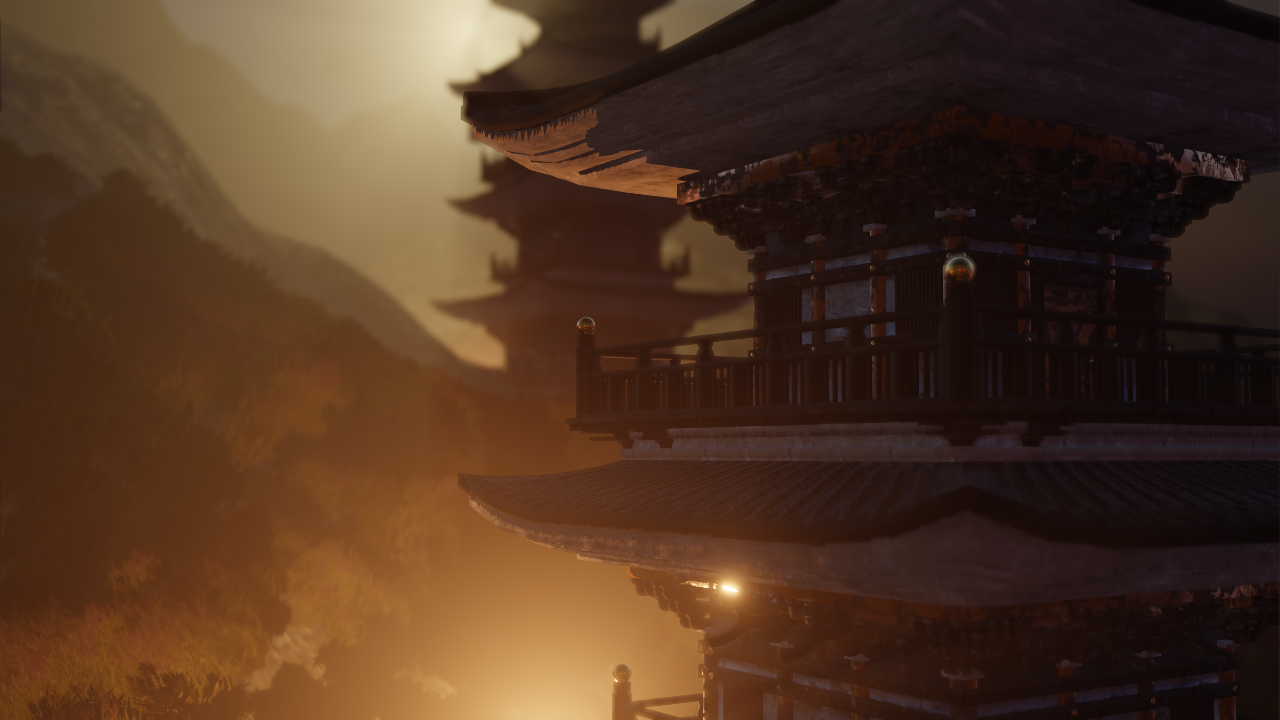
The mountain temple image is a 720p - 8 second render on a moderately powered computer.
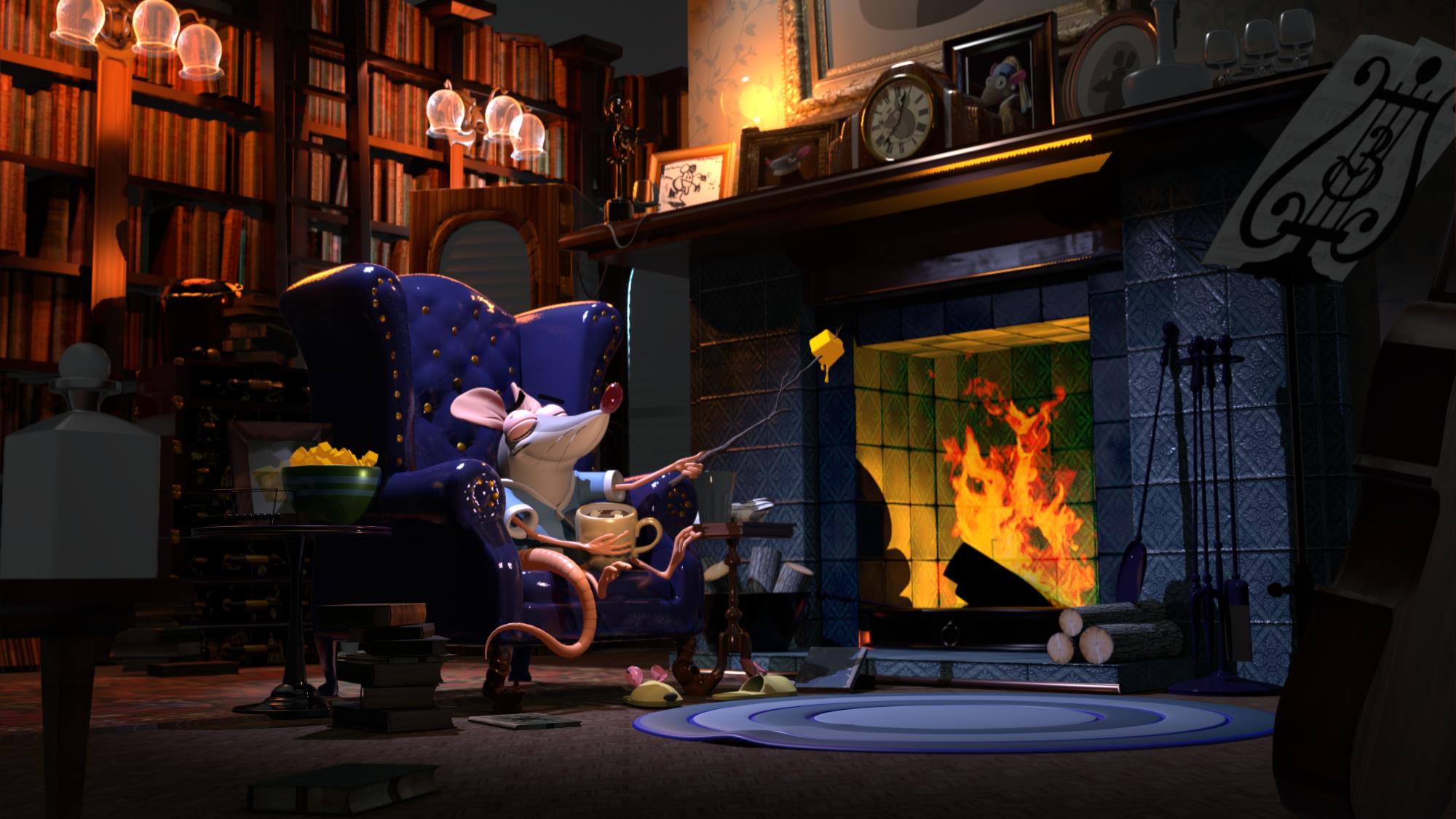
The mouse image is a 4k 25 second render on the same computer.
This render engine is powerful, but learning to get the most out of it is going to take some work. Many thanks to IllusionLab for his initial thread that lit this fire in my head.
|
|
By jarretttowe - 8 Years Ago
|
I should have noted above: these scenes are not my work, but are the free files supplied by Blender to play with the engine.
|
|
By TonyDPrime - 8 Years Ago
|
Gulp...Yeah, I need to get into Blender too...
I just absolutely detest the UI. I hate the UI for Unity as well.
But, Good luck! How do you like the Eevee engine.
|
|
By akuei2 - 8 Years Ago
|
Nice rendering, I love it.
But beware, Blender is free in charges but not free with learning cost. It's will crash you on some days.
Where you're lacking brilliant tool & powerful timeline to support your motion work.
Personally, I'm prefer to unity, because I fell " Totally Freedom" that I have never been experienced.
Yes, freedom for everything (Include UI).


|
|
By Daemonspike - 8 Years Ago
|
|
I would like to hear about what the struggles were. And if it's about 3DXchange I am extra interested : - )
|
|
By bexley - 8 Years Ago
|
The IClone Blender path can be a real nightmare. Both require a lot of study and concentration, and neither are particularly intuitive (although Blender's interface is absurd). However, Blender is amazingly powerful, particularly considering it is free. I've spent months on tutorials, and have just scratched the surface. These are some images from animations I've been working on. The characters are Iclone, and the rest is Blender. The compositing of characters into Blender images was done in After Effects 5.
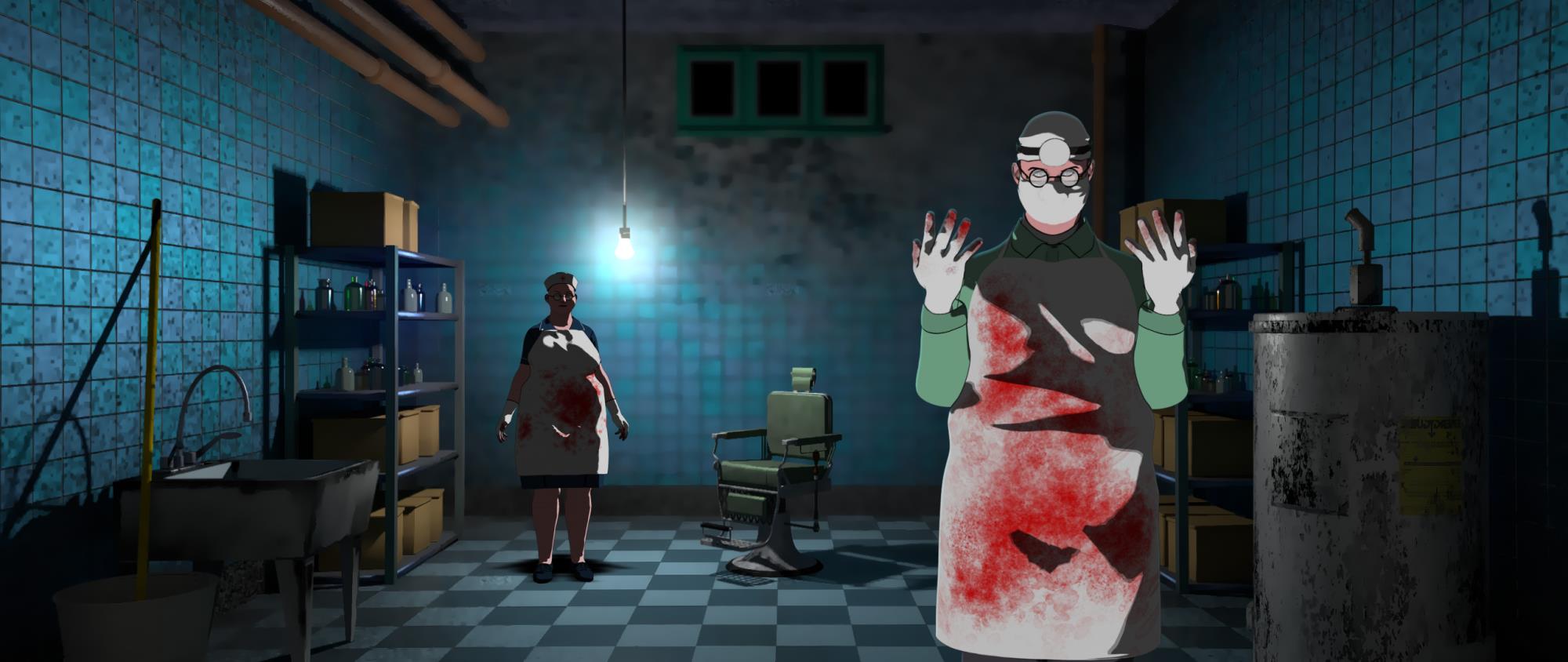
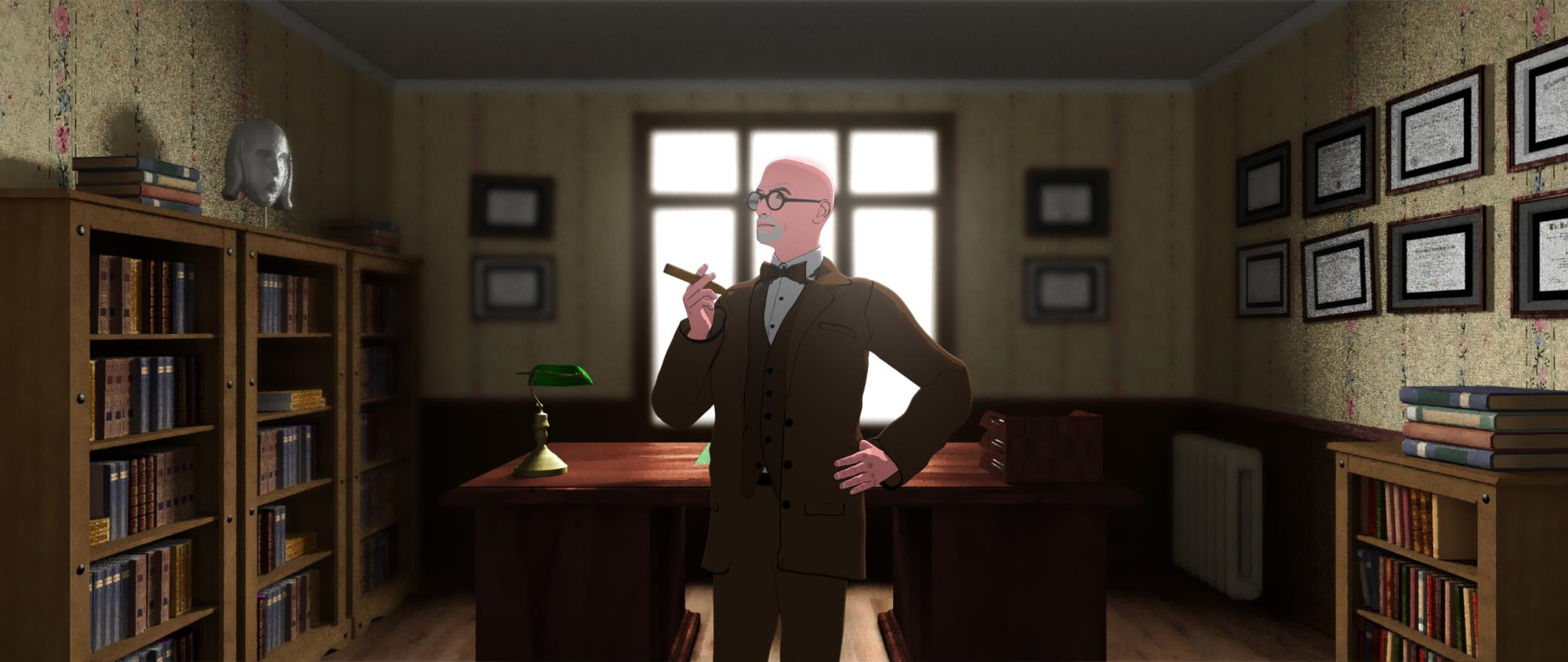
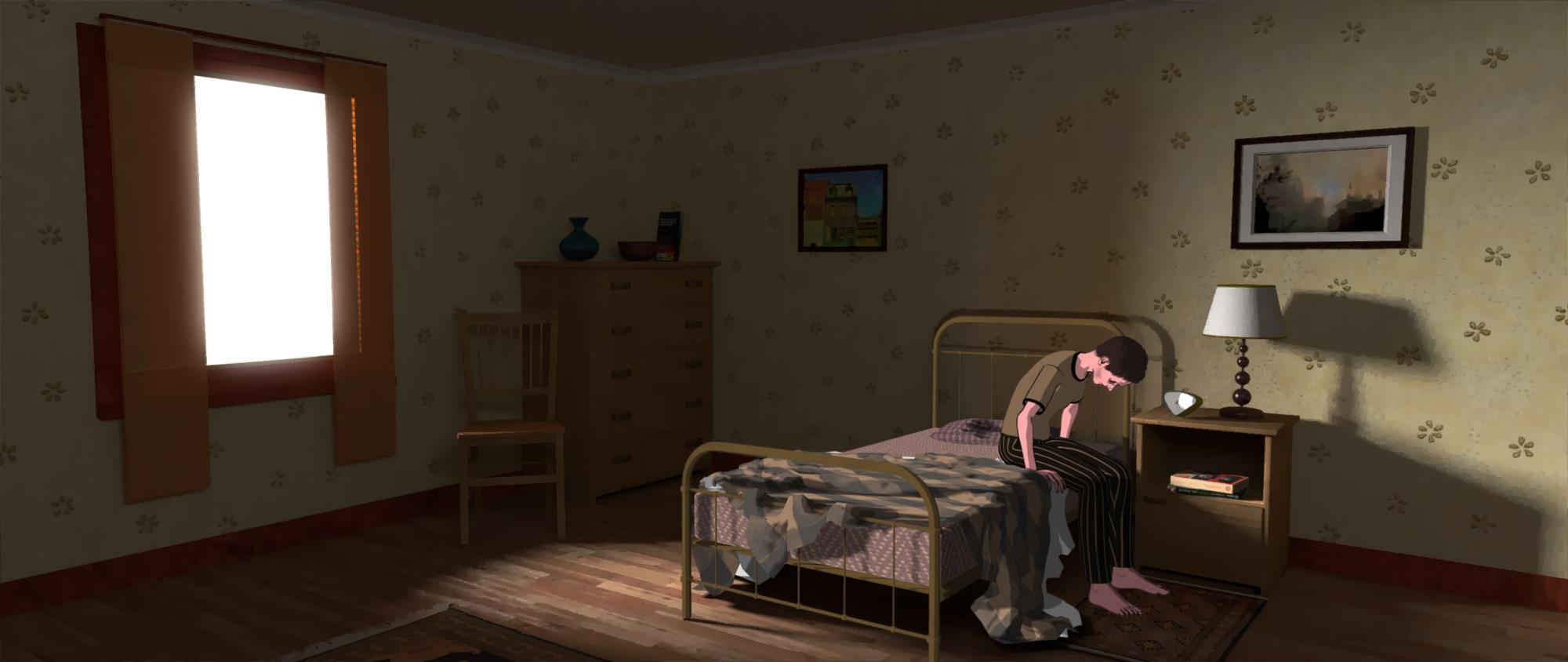
Regarding the merging of Blender and Iclone -- you have basic choices: Generate the backgrounds in Blender and match it in Iclone (what I'm doing because it is easiest and I have access to After effects),or bake your Blender objects and try to get them into Iclone. This can be a disaster, but is often necessary. In the last frame, for example, the bed and the character are both Iclone renders matched to a Blender background. The shadow of the bed is cast by a bed in Blender which was rendered as a separate later then deleted out of the frame. To get a pipeline going from Blender to Iclone you have to learn to optimise your meshes (decimating them), baking their textures, then exporting them to 3DXchange, and then to Iclone. Each stage requires a lot of study, because none of the programs mesh exactly as they should. It can be very frustrating (even with the extensive tutorials out there on Youtube) and considering the fiasco of the 7.3 upgrade (literally five weeks wasted) I am personally considering abandoning the entire process.
Good Luck!
--Bex.
|
|
By sonic7 - 8 Years Ago
|
Hey Bex! .... thanks heaps for your insights. In a wierd sort of way, I'm 'encouraged' by your findings, simply because I was feeling somewhat of a 'failure' for not pushing ahead myself with blender at this time. 'Time' is the key point - as you've mentioned - but hey - for anyone able to do the blender approach - well great ! - hopefully your extra effort will truly be worthwhile. I'm keen to keep an ear to Jarret's thread here - and I certainly wish him (and any others) the very best and every success for sure .... :)
|
|
By Rampa - 8 Years Ago
|
|
Another option, for those who own 3DXchange Pipeline, is to export animated characters as Alembic. Blender can import Alembic. That gives you the advantage of all cloth and spring effects being baked into the mesh that is exported.
|
|
By charly Rama - 8 Years Ago
|
|
Hey Rampa, does the facial animation (by faceware or live face) saved in alembic work well?
|
|
By AutoDidact - 8 Years Ago
|
All of the original animation will be baked into an Alembic cache for rendering in an external application
you biggest challenge with an alembic to blender workflow is getting the scale right.
and of course manually applying the maps via blender texture nodes.
|
|
By illusionLAB - 8 Years Ago
|
|
iClone exported characters in Alembic format need to be scaled on import to 0.02 for 'real world' size in Blender. FBX exports need to be scaled by 2 for 'real world' size in Blender.
|
|
By mtakerkart - 8 Years Ago
|
Some cool video for very beginner like me. Absolutely UNBELIEVABLE that in 2019 adding gizmo , box selection and left mouse button are a major feature added....
but I didn't see gizmo for lights, camera...
And I definitely stay in Iclone . EEVEE doesn't have GI , emissive objects have no effect
Please RL volumetric lights are the last features I need in Iclone
|
|
By urbanlamb - 8 Years Ago
|
|
mtakerkart (12/9/2018)
Some cool video for very beginner like me. Absolutely UNBELIEVABLE that in 2019 adding gizmo , box selection and left mouse button are a major feature added....
And I definitely stay in Iclone . EEVEE doesn't have GI , emissive objects have no effect
Please RL volumetric lights are the last features I need in Iclone
-okay left click has always existed it simply was not on by default for me as a lefty using a right handed mouse I actually now have to re-enable the right click :/
-box select is not new also always been around they simply changed how to activate it.
-The gizmo aka known as "the twirly thing" using my terminology is new and turn offable (which i do since blender is and always has been highly customizable you can turn anything on and off that you like including left click which they now turn on by default and I turn off lol). This was put in to conform but I always hated that feature it took up screen space and I never used it.
Anyhow no matter in blender I can get rid of it. The twirly thing is straight out of autowreck so its familiar to people I guess. I never liked it in autowreck either but I put up with it cause I could see no way to remove it LOL.
-the GI I am not sure about but I want to dispell myths cause I hate it when i see it in iclone and equally when i see in blender.
Lighting in blender is much nicer I find and the reason i didnt use it to render was because of no real time type feature which now exists so render times are short enough that I can do on a single pc as a one man band and be reasonably pleased with the results. Anyhow all these changes have made me a happy camper the last piece i needed has finally been realized in blender. I"m now free to do as I please where I please. :)
|
|
By illusionLAB - 8 Years Ago
|
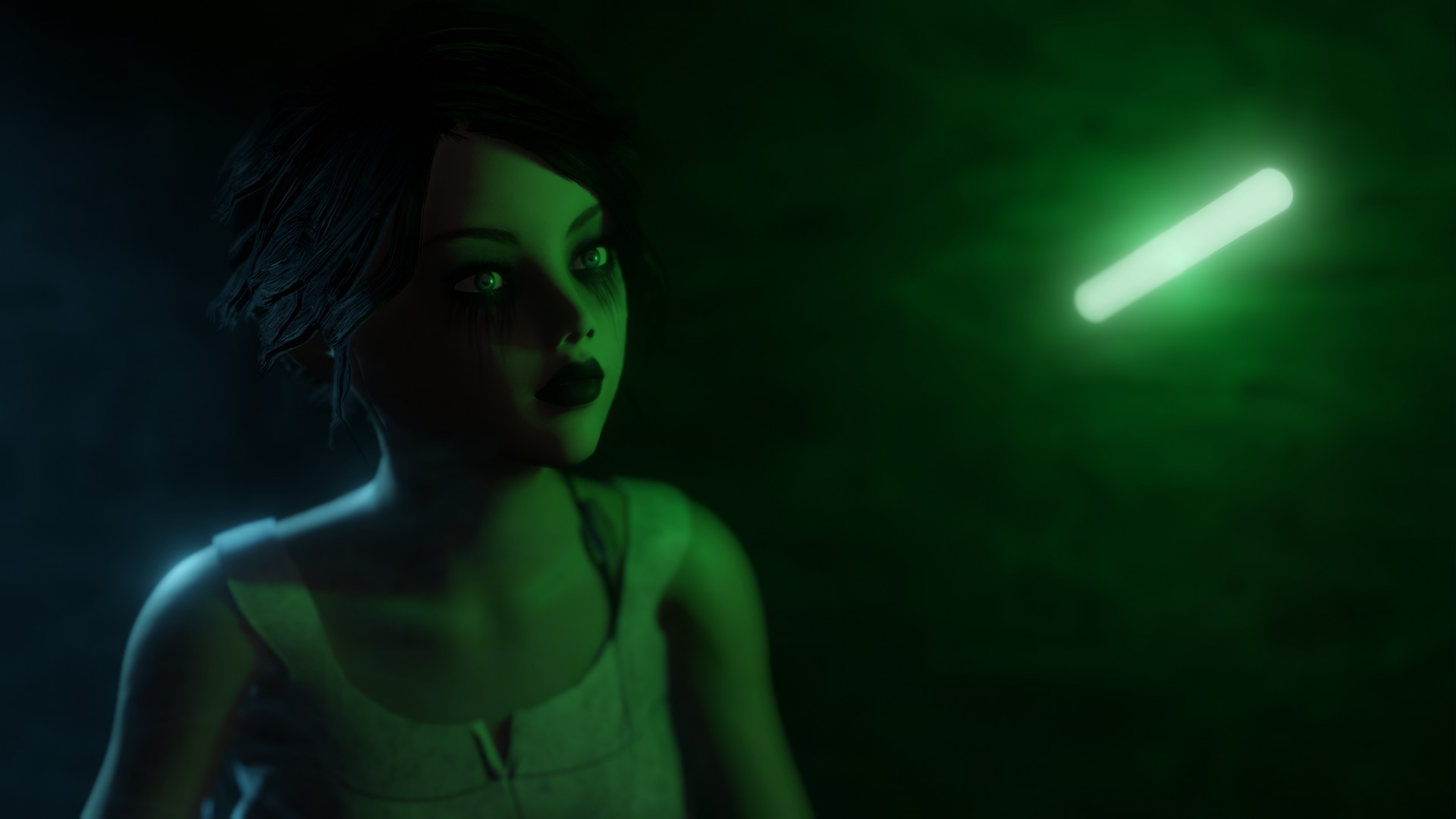
While it's true the Blender's eevee does not have GI, it does have "light probes" (like Unity, Unreal etc.). As always with "real time" engines everything is some sort of compromise or clever trick. It's very unlikely you will see volumetric lighting in iClone as it's already stressed to the max to provide GI. I'm sure you realize that faking "emissive objects" is as easy as parenting a "point light" to the object - eevee's lighting is more natural and responsive than iC's, and using lights to 'fake' emissive objects gives you far more control - and shadows! In this image, I added a noise modifier to the volume fog to vary the density - still only took 5 secs to render.
|
|
By jarretttowe - 8 Years Ago
|
Looks awesome!
|
|
By mtakerkart - 8 Years Ago
|
|
and using lights to 'fake' emissive objects gives you far more control
Yes that is the old trick ;) That's why GI was implement... for little scene with 4 emissive props it's ok but for big scene ,
adding every lights to simulate GI is clearly not for a one man band ;)
left click has always existed it simply was not on by default
May you didn't see the video but that's why he said lot of new users give up because you have to dig in google just to change
an elementary feature without starting anything. (And that was my case)
the GI I am not sure about but I want to dispell myths cause I hate it when i see it in iclone and equally when i see in blender.
Funny because it's one of the best feature in Iclone for me. Looooot of time consuming saving to create coherent lighting behavior ;)
|
|
By urbanlamb - 8 Years Ago
|
I made a christmas tree using the old method in unreal (the not GI method) with tons of flashing lights and I have done it in blender as well I didnt have too much trouble doing it. NO matter the renders I am creating in blender (i did one the other day) are very very fast and not running into any real issues. I like GI but I dont have an issue doing without it considering all the other positives. The Evee engine is modelled after unreals engine so it should work fine for most movie making. And considering the people who wanted to use unreal instead of iclone its kinda the best of both worlds right now.
Anyhow to each of his own I am not arguing about what is better I simply saying that all this stuff I have had no issue with in blender including the lack of GI. My biggest problem was always animation issues and real time render times for my one man band. Its solved and I dont have any problems. /shrug
(obiously since i didnt even bother to decide if it used GI (not needed it) I am not having an issue with it not being there for lack of a better way to put it. Since I didnt even know the answer to that particular issue ^^ )
err the world is my oyster now LOL.
edit: I guess I should say that render was an animation not a single image anyhow was quick, was fine, was fun. I made the thing to animate myself, stuffed bones in it, played with textures and nodes and rendered clip. The times seemed comparible to iclone.
|