|
By Rampa - 8 Years Ago
|
Sometimes you'll end up with materials sharing the same Z-space, or overlapping, that causes them to fight and flicker horendously. This especially true of Sketchup models that have front and back faces that completely overlap.
I have figured out an effective way to adjust the Z-space of a material.
|
|
By toystorylab - 8 Years Ago
|
Clever idea!
That surely will be handy...
Thanx ;)
|
|
By sonic7 - 8 Years Ago
|
Brilliant Rampa! .... An extremely useful tip indeed ! This is another one to 'file away' for sure....
Thank you very much! ..... :)
|
|
By justaviking - 8 Years Ago
|
Interesting approach.
That issue is one of the three reasons I have a bad attitude about Sketchup models. Oh sure, they're free (and I have used them), but they seem to be notorious for overlapping surfaces and gaps between surfaces (like the walls of a room don't exactly meet, resulting in light leaks). Then people complain about 3DXchange and iClone, but it's the fault of the free model they downloaded.
Anyhoo… thanks for sharing.
|
|
By Rottadamic - 8 Years Ago
|
Thanks 4 this solution!
|
|
By BigCityDreamz - 8 Years Ago
|
Nice video thanks for sharing it. Is there a video for sketchup to 3dxchange workflow? I'm using 3dxchange6 sketchup 2017 I save the file in an older version of but it still crash 3dxchange. 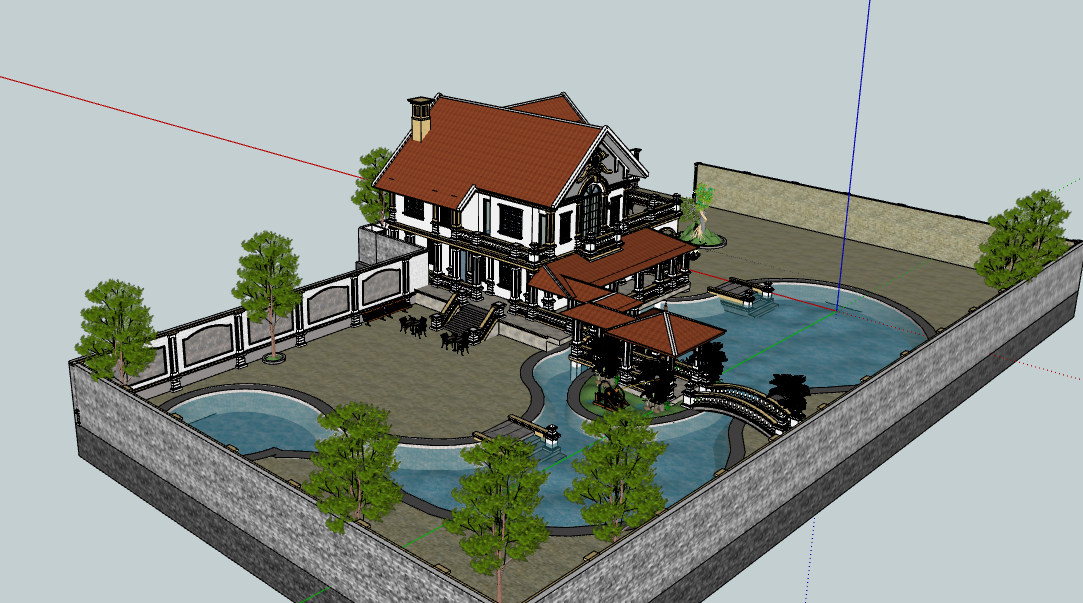
|
|
By Rampa - 8 Years Ago
|
That looks like it might be a pretty big model. 3DX is a 32-bit app, and so can only access 4 Gig of ram. Try using this utility to make sure it's using every possible bit:
https://ntcore.com/?page_id=371
Also, always choose the oldest version of the file available. I just tested a 2014, and it worked. But you can back even older if available. The newer formats are more likely to give issue.
|