|
By StyleMarshal - 8 Years Ago
|
Characters , Animation and Camera from Iclone.
Exported via FBX to C4d Octane.
Hope that Iray comes soon :-)
Octane Version :
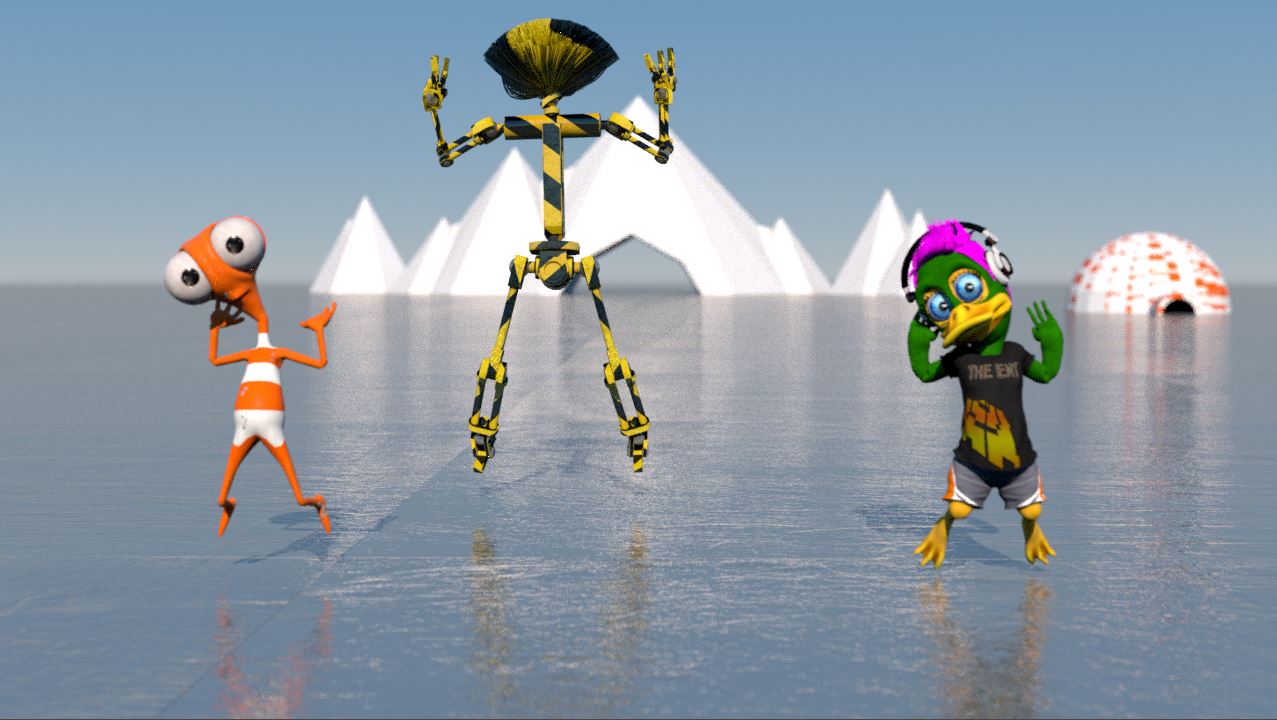
Video : https://www.youtube.com/watch?v=cYulabiVurA
Iclone Version
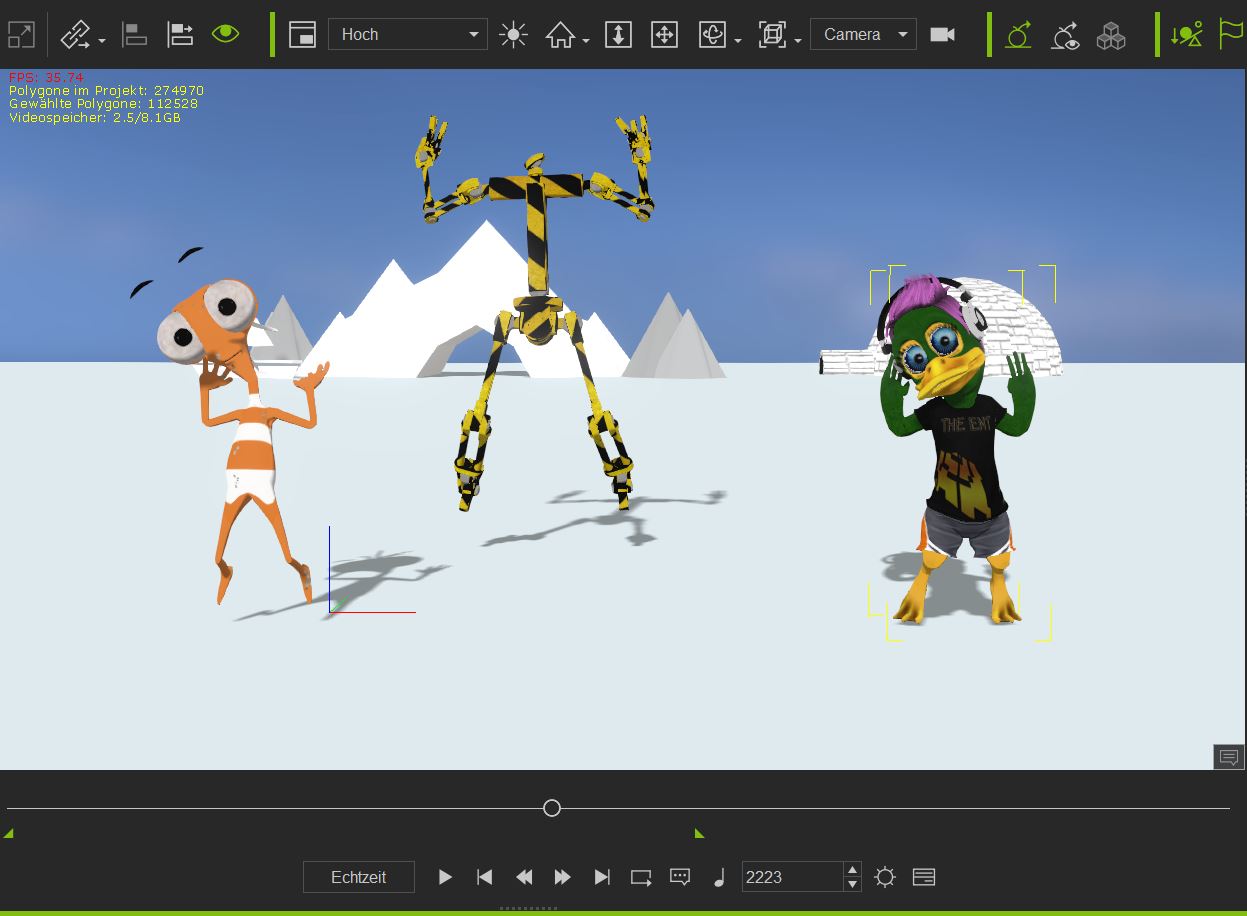
IClone Video : https://www.youtube.com/watch?v=E3sUWeDX1Zc
|
|
By justaviking - 8 Years Ago
|
A) Cute dance
B) Great side-by-side comparison. THANK YOU.
C) How much work did it take to get the textures and everything into Octane?
D) How long did it take to render in each application - iClone and Octane?
|
|
By 4u2ges - 8 Years Ago
|
+1 to JAV comment
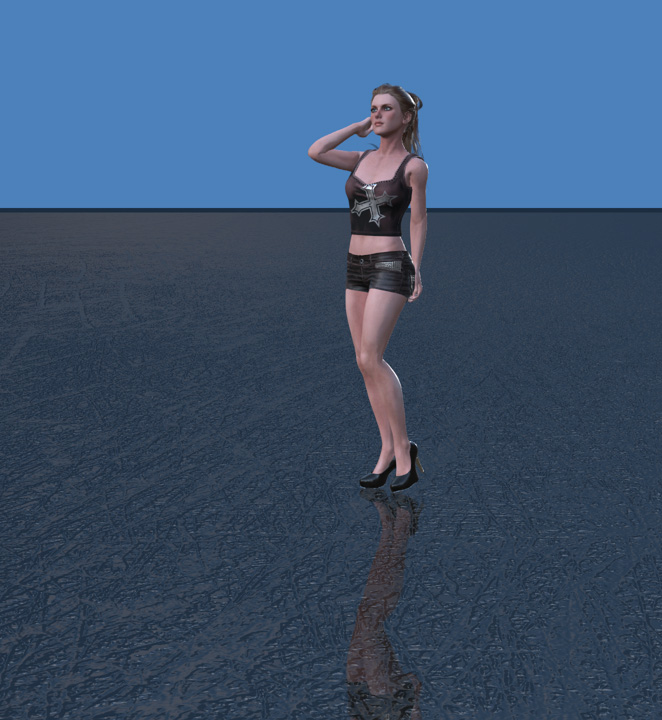
and a note. In iClone you can set up the same ground surface type as in Octane by using a water prop.
|
|
By illusionLAB - 8 Years Ago
|
|
The "iClone" version has motion blur... also, you had quite a few render errors in the BG with Octane - where you using Octane 4 with noise reduction?
|
|
By StyleMarshal - 8 Years Ago
|
I know its not perfect , just a fun project
Yes I did the motion blur with Aftereffects in post.
I am using C4d Octane 3.08 course I have Hair Render problems with 4 and Denoiser.
Iclone rendered 10 min , Octane did 1 hour and 40 min with 2 GTX 1080s
Really having fun with IClones animation possibilities. :-)
P.s. It took about 5min to bring all to C4d ... ( just push the Octane Texture converter button) , the only thing you have to manage is hair and eyebrows. But thats only an Alpha invert problem.
Hope I could help ;-)
P.s2 , the Iceberg is flickering, that was my fault using no textures at all , its a model from sketchfab with bad normals.
|