|
By MaryJay - 8 Years Ago
|
Does anyone know how to place a .png object inside the bubble INSTEAD of text? It will then be necessary to have both the image and the bubble act as one for animation. I've tried everything short of exporting to PSE which I have never been able to work. Hope someone can help.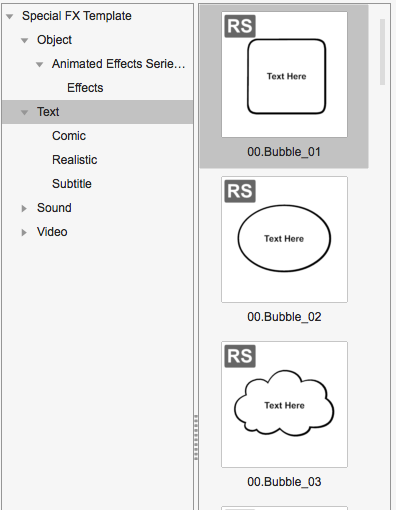
|
|
By Peter (RL) - 8 Years Ago
|
Hi MaryKay
The Text SFX are designed for text only. You add the text by double clicking the prop in your scene.
If you want the same bubble effects with an image inside, you should be able to create one easily in most image editors. You just use the drawing tools supplied to draw the outline you need or use pre-set shapes. Then save it as an image file and then drag it into CTA3 to create prop.
Alternatively drag the image you want to use into CTA3, and then resize and place it over the text sfx prop. You can then use "Link" from the top toolbar to link the image to the text prop and then when you move the text prop, the image will move with it. Sadly this method will only really work for the square or oblong text boxes unless you carefully cut out the image into the shape you want first.
|
|
By MaryJay - 8 Years Ago
|
|
Thanks. It Worked!!
|
|