|
By Dan Miller - 7 Years Ago
|
|
I imported an FBX into 3DXchange7 Pipeline. It has a many animations with it which does show correctly in the Perform Editor. I then go to character setup and everything lines up nicely with Maya IK so I convert. I then apply to iClone which seems to work without a problem. In iClone I am not seeing my animations so this is where I'm getting stuck. Nothing on the timeline, I don't see any specific folders with the animations, so I am confused on how to use it from here. Suggestions?
|
|
By Peter (RL) - 7 Years Ago
|
|
Have you tried right clicking your avatar and selecting Perform? If the animations were transferred correctly you should see them listed when you click on Perform.
|
|
By Dan Miller - 7 Years Ago
|
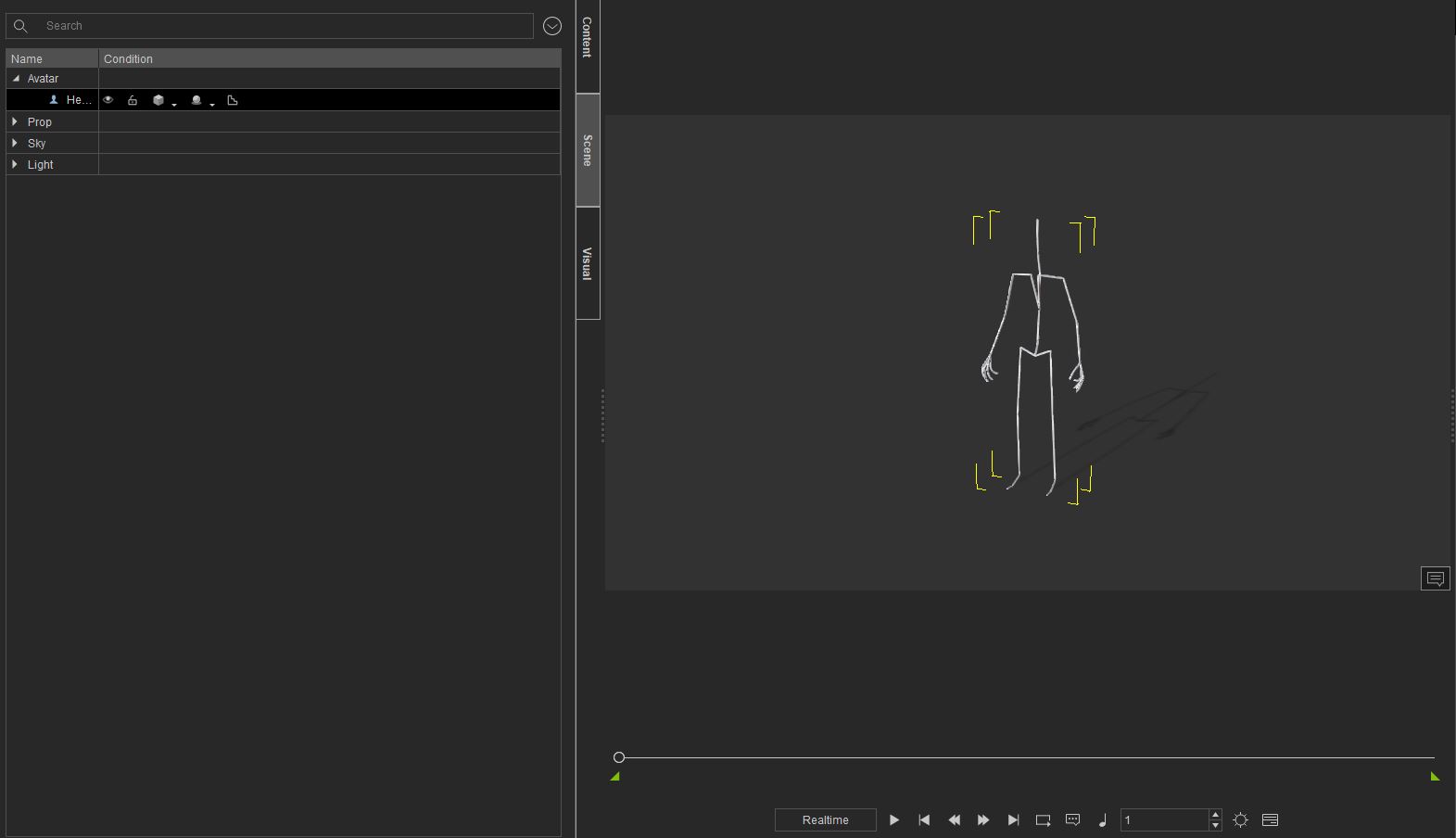
I don't see that option when I right click on the avatar.
|
|
By animagic - 7 Years Ago
|
I was going to suggest that you need to select Export Animation before exporting:
However, when testing this with Heidi, which has a Perform menu, it didn't work.
I imported Heidi in 3DXchange, which shows all actions in the Perform Editor, and then exported.
The re-imported Heidi has no Perform menu in iClone. I also tried with Export Animation checked, but that didn't make any difference.
So you may have discovered a bug...:w00t:
|
|
By Dan Miller - 7 Years Ago
|
I appreciate you trying, and with the way you explained it I'm understanding better how it is supposed to work. Thanks :)
Sound like an issue on their end then.
|