|
By limtaiwah - 8 Years Ago
|
|
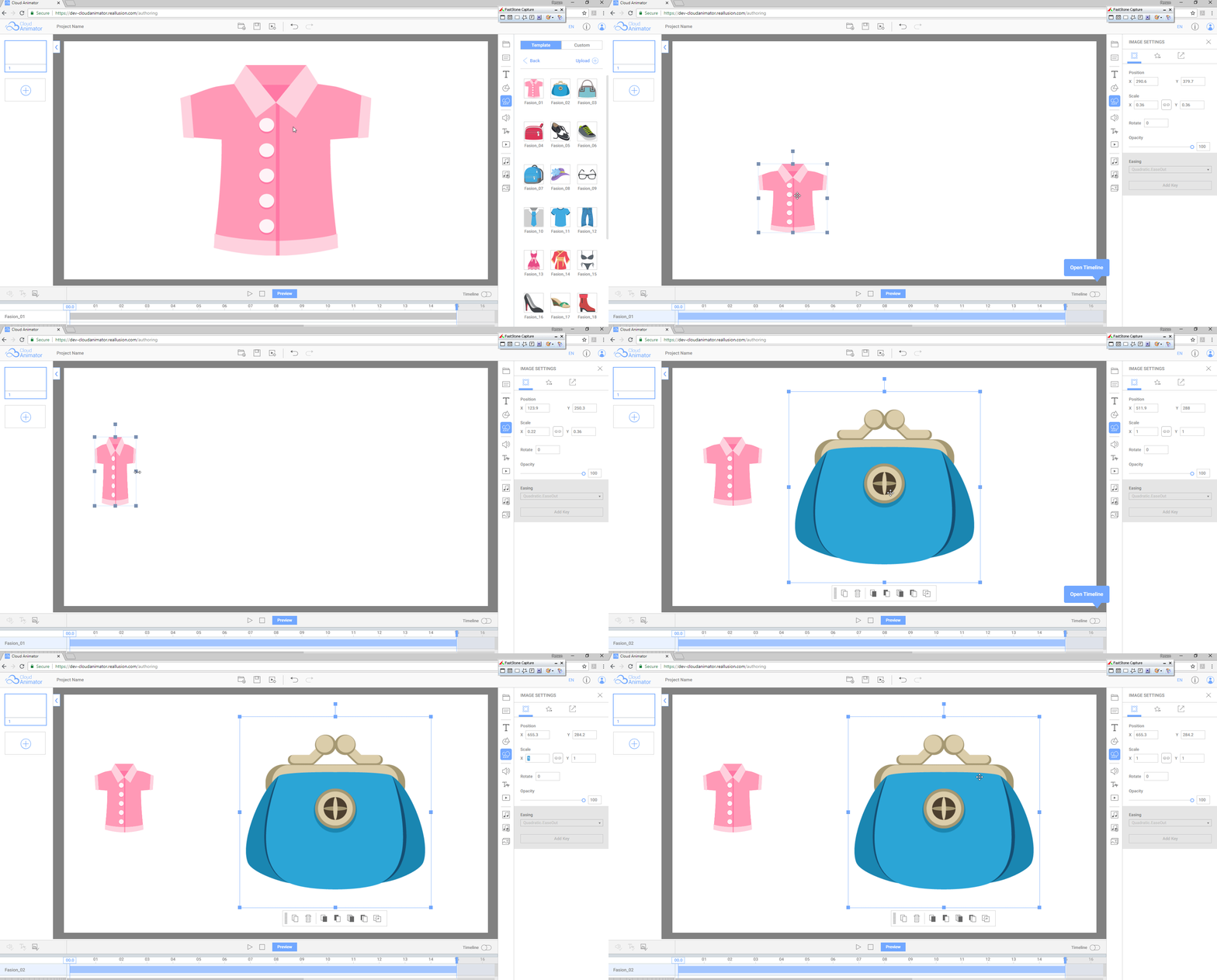
How o you resize an image on the canvas?
|
|
By Peter (RL) - 8 Years Ago
|
|
If you select the image by clicking it you should see a bounding box. You can then click and drag the corners to resize.
|
|
By Cory Chang - 8 Years Ago
|
Hi, limtaiwah,
When you apply an image on the canvas, you can resize your props as followings:
1. Select the image, and drag frame to resize it.
2. Or select the image, and you can change the size on the right panel (Image Setting).
Thank you.
Best Wishes
Cory
|