|
By Ideraldo - 8 Years Ago
|
|
|
By Ideraldo - 8 Years Ago
|
Ideraldo (7/19/2017)
|
|
By animagic - 8 Years Ago
|
|
What file is it? A bit more information would be helpful.
|
|
By Genursus - 8 Years Ago
|
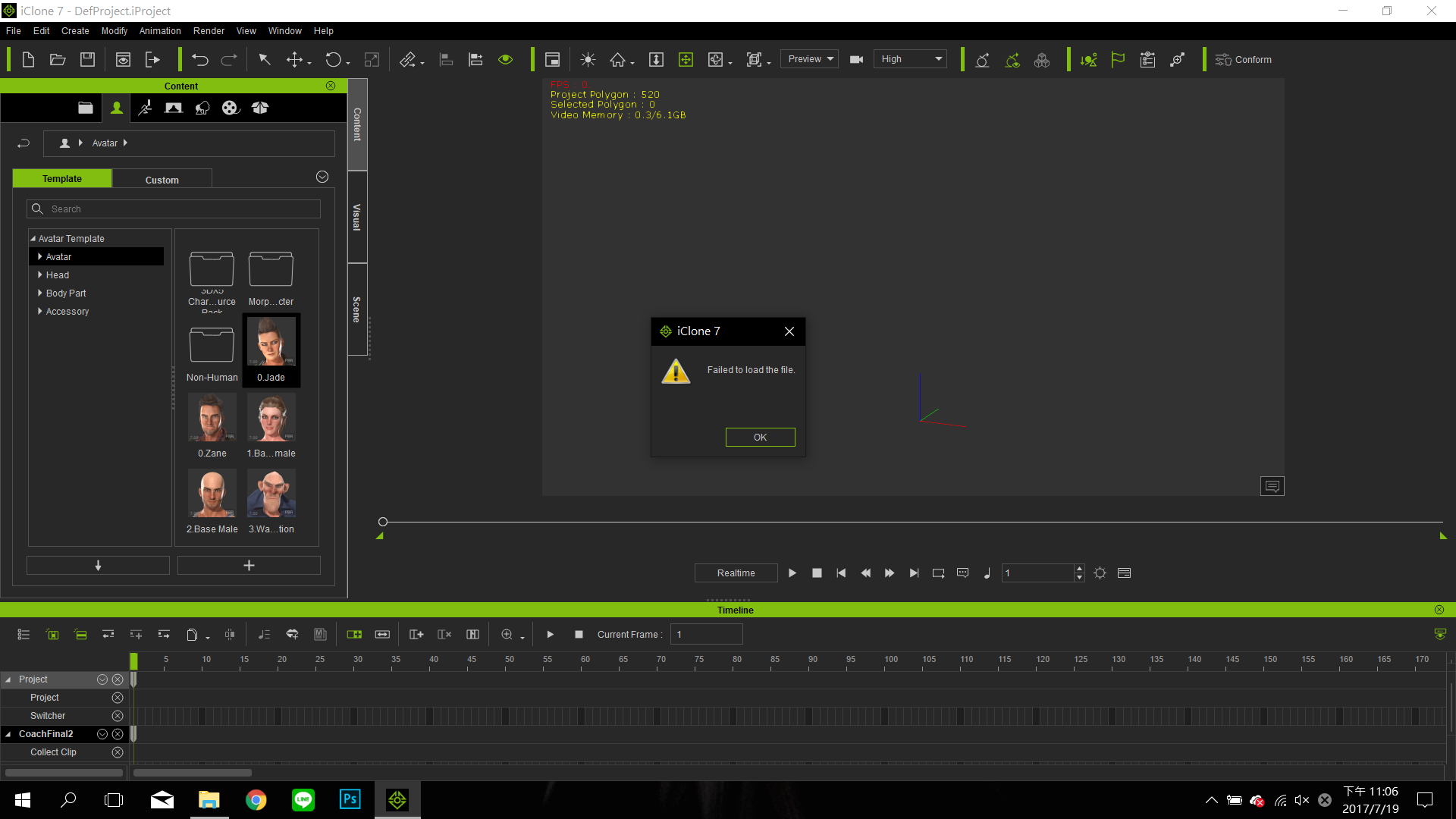
Not sure if this is what the original post is about, but I noticed that when you load and play the GI project 'Self Illuminating TV', the viewport freezes (only when you don't have the timeline showing it seems).
If you click 'New Project' after the freeze, it tries to clear, but the error (like above) 'failed to load the file' pops up a few times. If you try to load a new project, Iclone crashes.
The only way to fix it is by closing Iclone and restarting it.
It only seems to happen on that certain project and I can't seem to isolate what the cause may be.
This started after updating to Iclone 7.01.
|
|
By wowwow - 8 Years Ago
|
|
|
By Peter (RL) - 8 Years Ago
|
Ideraldo (7/19/2017)
If you require assistance you will need to supply a little more information. For example what you are trying to load? :Whistling:
Please also supply your full system specifications including graphics card. Thanks.
|
|
By msstowers - 8 Years Ago
|
I've been having this same issue since I switch from the Early Access versions to the Release version. Everything seemed to work when it was in Early Access but since Iclone 7 was release I've been getting this same issue. Though it happens after the viewport freezes up. Iclones interace still works just not the viewer. Then I go and load a new project and I get that error message. I've even clean reinstall to make sure it wasn't my machine but it occurs again with minimal resources installed. Now it seems to happen when dealing or at least in my situation with LUT. I tested all the sample scenes that are installed with iclone 7 and all work except for the LUT sample. The scene loads fine and starts running but as it is running it its a point (the same point each time) and then the viewport freezes. The following kind of shows what I'm talking about.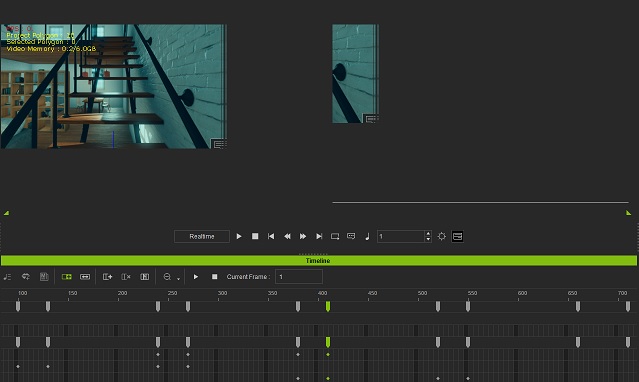
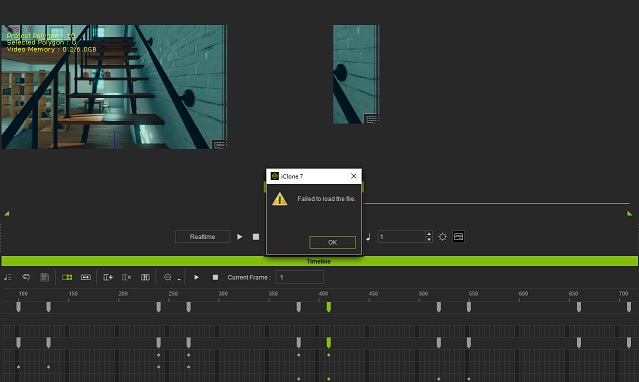
My Specs are:
OS: Windows 10 Home 64bit
Processor: Intel(R) Core(TM) i5-6500 CPU @ 3.20GHz, 3192 Mhz, 4 Core(s), 4 Logical Processor(s)
Memory: 16.0GB
Graphics card: ZOTAC GeForce® GTX 1060 Mini 6gb
|
|
By Kelleytoons - 8 Years Ago
|
I had something very similar happen to me, and it turned out to be my nVidia drivers. On my desktop I have the 1080, but on my laptop I have the 1060, and on the 1060 the same scene worked fine, but on my desktop I could freeze it up and then as soon as I tried to load ANY file I'd get that error.
To solve it I reverted back to the nVidia April drivers (382.05), which was what was on my laptop (my desktop had the very latest drivers, from just a week or so ago) and all was then well. You might check your own drivers and if you have anything later than this, try installing the older driver (which is available on the nVidia site).
|
|
By msstowers - 8 Years Ago
|
Kelleytoons,
I want to thank you. Your suggestion on going back to that earlier driver made iclone work again or at least the problem test scene with LUT went through from begining to end with out freeze up. Now I can use iclone again on my big monitor and not my tiny laptop screen. Thanks again.
Mike
|
|
By Kelleytoons - 8 Years Ago
|
Good, glad I could help. It drove me crazy that my laptop worked fine but my desktop didn't, and I told RL about it (even had a problem ticket in to them) and they said "Well, the latest drivers are working for us."
Clearly they don't work for everyone and now we can file this away to help the next person.
|
|
By vigneshforce8 - 6 Years Ago
|
Failed to load file error[/quote]
|
|
By Chuck (RL) - 6 Years Ago
|
Hi vigneshforce8,
You can file a bug report here: https://www.reallusion.com/FeedBackTracker/
|
|
By Peter (RL) - 6 Years Ago
|
vigneshforce8 (9/8/2019)
Failed to load file error
Is this problem happening when trying to load all content (projects, characters, props etc.) or just one particular object?
Also can you share your system specs including graphics card. Thanks.
|
|
By kaufmann_641362 - 4 Years Ago
|
|
I know this post is old, but it still shows up in google for "iclone failed to load file".
I got the same error message as the others before. Opening a small sample scene finally worked. But when trying to save it, the error message came up: Your Disk is full. After freeing the space on the main drive (ssd). i was able to load everything again.
One possible solution:
Free space on C drive.
At Reallusion: Please improve the error message when loading files. When the disk is full when loading files, display it in error message. Thank you in advance.
|
|
By smartino - 4 Years Ago
|
Four years later this is still a problem.
I don't think the fixes of roll back my graphics card drivers a couple years or the other solution I found which was for me to upgrade from Windows Vista to Windows 7 are going to work these days. That is how long this has been a known issue.
I've lost days of motion capture work because some files will open, and some won't. There isn't anything different about them, filmed the same day, but some of the files just fail to load.
Don't know if anyone has found a modern solution but at the moment we're trying to see if it will work on a different machine.
|
|
By yang.yeeleng8 - 4 Years Ago
|
Hello,
I have the same problem. Every time I created a landscape scene, exited it out, couldn't happen ever again. Please, does anyone know why this is the case? Is it my computer capability?
|
|
By animagic - 4 Years Ago
|
|
yang.yeeleng8 (12/26/2021)
Hello,
I have the same problem. Every time I created a landscape scene, exited it out, couldn't happen ever again. Please, does anyone know why this is the case? Is it my computer capability?
Without knowing the specs of your PC, this is hard to answer.
|