|
By emreboz34 - 9 Years Ago
|
Hello there. There is also a problem in the scene. I wonder why ?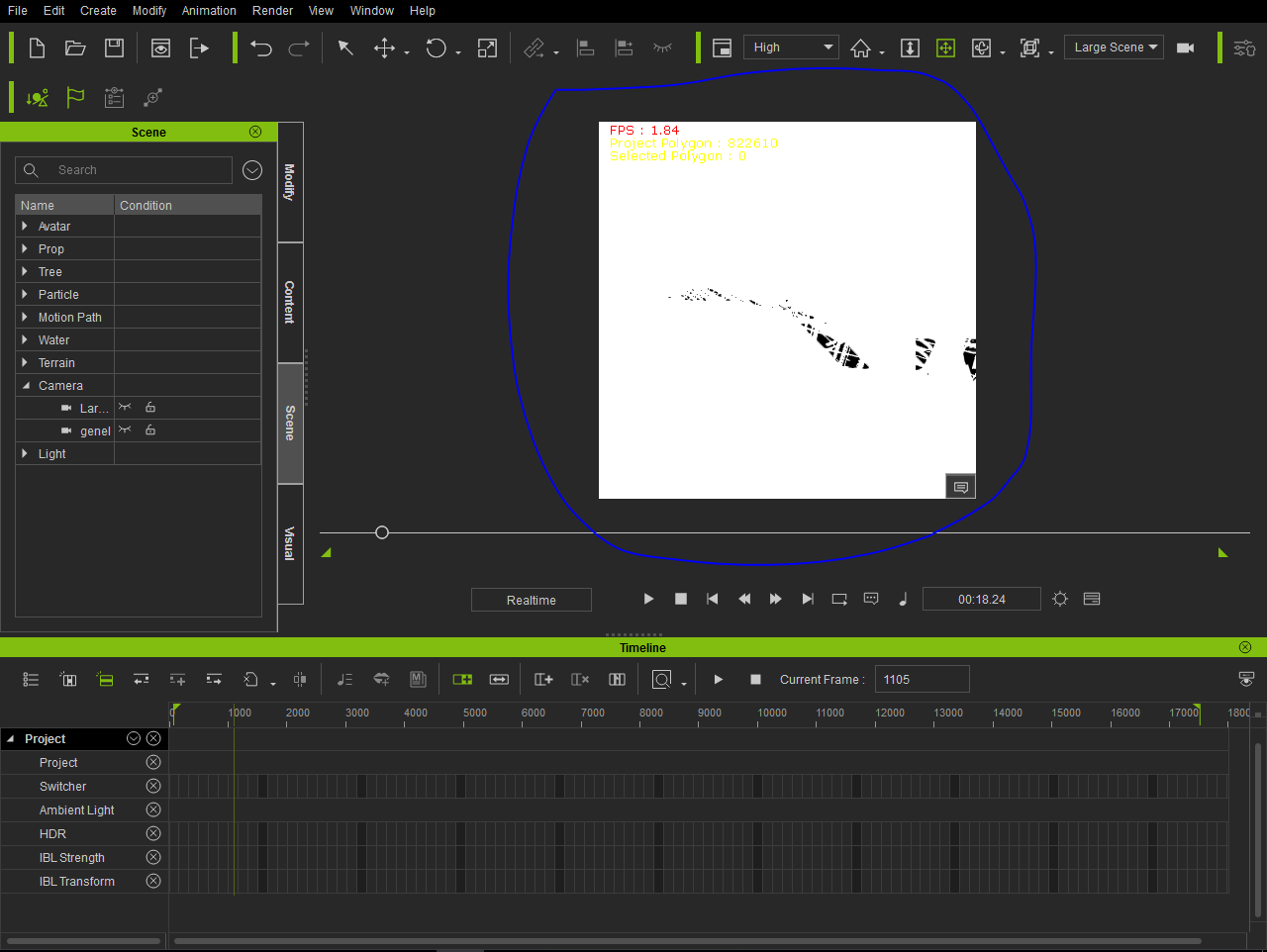
|
|
By Snarp Farkle - 9 Years Ago
|
Can you be a little more specific as to what is happening here?
|
|
By emreboz34 - 9 Years Ago
|
Hello there. I've done an animation before. It reopens this way when you reboot now. I uploaded a video.
I tried it on another computer. there is no problem . But it's a problem on my computer. DirectX12? Would that be a problem? Win 10 Pro. Nvidia Gtx750Tİ
|
|
By Snarp Farkle - 9 Years Ago
|
DirectX12 works fine as per this forum thread [HERE] and I have it on my machine also with no problems.
Your video card should be fine too, you can look at this forum thread [HERE] and [HERE] for more info on video cards. Do make sure you have the latest driver for your card, mine was just updated in March...
From what I can see in your video you have a lot of items in the scene manager, speed tree has caused some issues and that's what it looks like is happening in your video. Take a look at this forum thread about artifacts when using speed trees. [HERE]
If none of the forum threads I provided help you, then you may want to open a support ticket through your members area.
Sorry I couldn't help you much but maybe another user with more experience with artifacts can jump in and provide a real answer.
|