|
By stevew - 8 Years Ago
|
Hi guys how do I create a high gloss chrome effect ?
Cheers
Steve Warby
|
|
By justaviking - 8 Years Ago
|
Hi.
You need to slow down your click-y finger. If the "submit" button doesn't work immediately, give it a moment (another 10 seconds or so) before you try again. I know that's how I create duplicate post entries. (Ooops... I was thinking you were the same person who submitted numerous "Substance" posts earlier today. Oh well, it's still a valid comment that applies to all of us when we get a bit excited.)
I'll try to answer the "chrome" question when I get back to my iclone computer (unless someone else does it first).
|
|
By stevew - 8 Years Ago
|
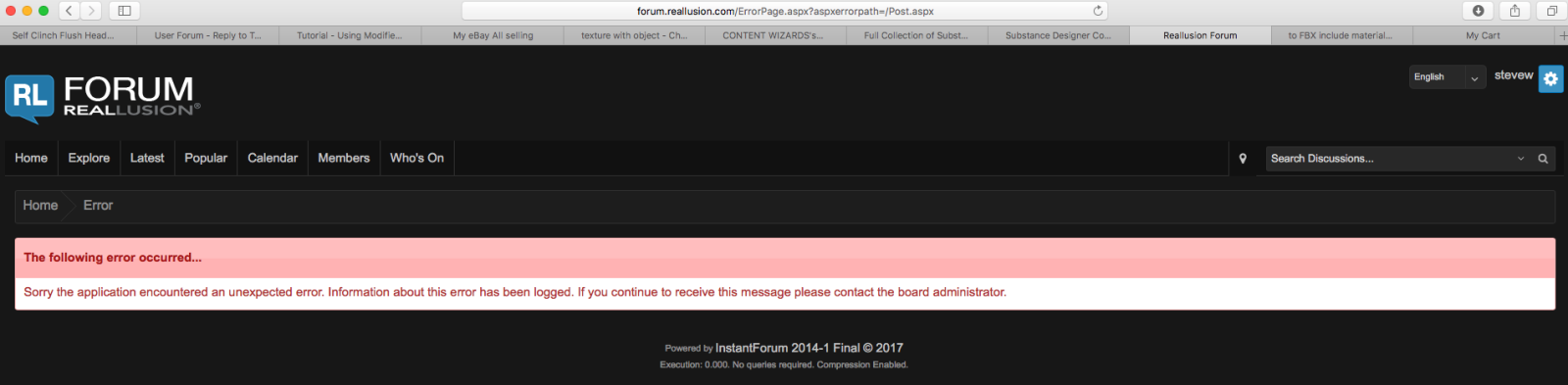
The forum stated there was an error please try again.
I posted again and still got the error.
I then noticed that the posts had been uploaded.
|
|
By stevew - 8 Years Ago
|
Same error again but posting
|
|
By justaviking - 8 Years Ago
|
I got that forum error too.
What I did:
...go <BACK> in my browser to see if my post text was still there...
...thankfully it was...
...I selected and copied all my text in case I had to re-enter the post...
...then refreshed the forum listing to see if my reply actually got posted...
...lucky for me it actually posted, in spite of the error, but I also had my text in the copy buffer in case I needed to recreate the reply...
That comes from past experience on the forum. ;)
The hamsters powering the Reallusion servers must be tired.
ABOUT THE CHROME:
First, understand you won't get "real" reflections (at least not accurate ones). But with that out of the way, here is what you can do...
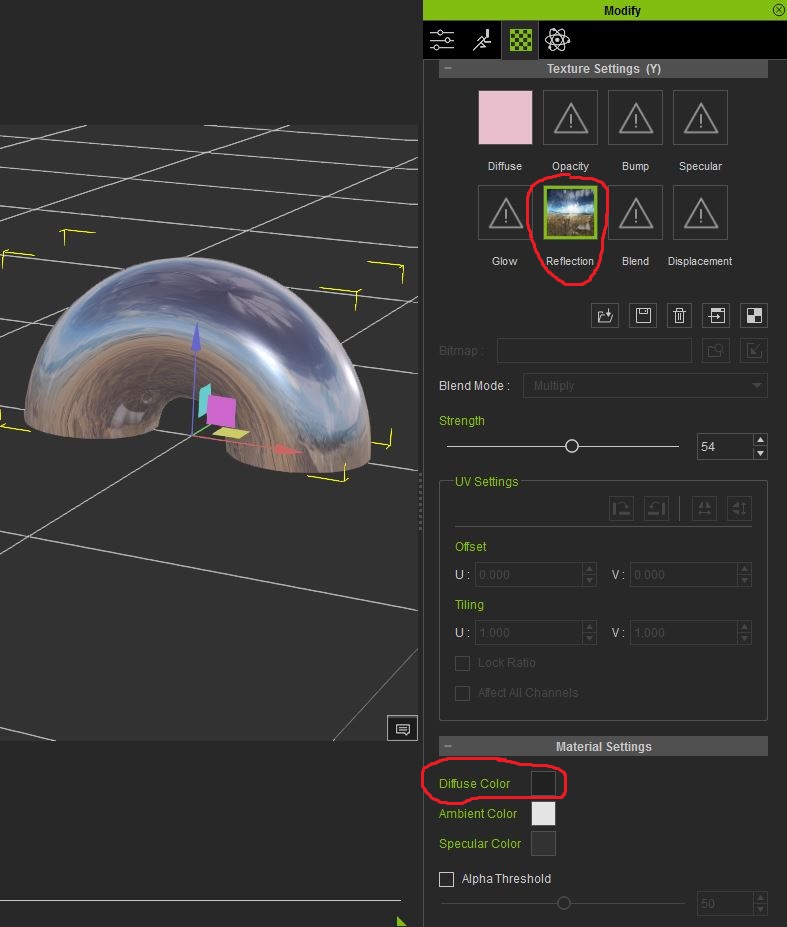
1) Add a picture to the "Reflection" channel. You can double-click on the Reflection box to access some reflection images Reallusion provides, or you can drag-and-drop your own image onto the box.
2) Turn the Diffuse Color way down. Pure black or close to it.
That should get you pretty close.
There is a "Reflection" option too. But don't look at the results too closely because you'll notice the reflections are likely to be incorrect.
|
|
By stevew - 8 Years Ago
|
Got that working thanks.
|