|
By urbanlamb - 11 Years Ago
|
Hi there I decided to make some tutorials and post some information on Blender and in particular using blender and iclone. I started using Avatar toolkit and since I have a specific project that I wanted to have a specific look I had to start making characters. I figured after the 4th character I could probably share some info. I originally made them with a couple of people in mind who are friends of mine who are also trying to learn the same thing and they were finding gaps in information in certain areas soo I decided to fill in the gaps for them LOL
So anyhow here is the tutorial.
Some things to be aware of. Its basically a primer on things you do to get to the end its long in some areas and I try to cover all the processes but there are still holes in the series.
I intend to go back and fill in the holes after I take a break (tutorials are quite hard to make I find).
I also create a skeleton for him to fit the G5 constraints and then decide (for no apparent reason to modify it.. but the reason is in the future I intend to add a few lessons on the end on how to make a non conventional character out of this guy and some custom animations) so ignore the fact that i put in extra head and tail bones and then never use them. They will come into play one day in the future. The other thing is I also make face bones but dont hook them up in the exchange. This is my personal habit I tend to put stuff in 'just in case' but the shape keys I make cover all the expression I intend to use in the present.
Anyhow I hope it helps.
here is the guy this tutorial is making
Here is Lesson 1
The rest I will just add as links
Lesson 2 - Block out our Banana - https://www.youtube.com/watch?v=5mFRplJnsVU
Lesson 3 -Sculpt the Hands - https://www.youtube.com/watch?v=afs39_WI8lc
Lesson 4 - Sculpt the Feet - https://www.youtube.com/watch?v=lDrz4-H7iCw
Lesson 5 -F inish the Model - https://www.youtube.com/watch?v=os_BOWELGgk
Lesson 6 - Retopology - https://www.youtube.com/watch?v=ZO2fFJM9ZeA
Lesson 7 -Teeth and Gums - https://www.youtube.com/watch?v=ol3RPgir5q4
Lesson 8 - UV map & Texture him - https://www.youtube.com/watch?v=yw31uxHq4qg
Lesson 9 - Rigging - https://www.youtube.com/watch?v=8tvzXClb2d8
Lesson 10 - Viseme`s- expressions - export to iclone - https://www.youtube.com/watch?v=UoFtXC_E45k
Lesson 11 - Put it all Together - https://www.youtube.com/watch?v=kxecSZv12M4
Lesson 12 - A matter of Eyeballs (I re- rig my eyeballs which were not quite right) - https://www.youtube.com/watch?v=0mW0OirAjRI
|
|
By urbanlamb - 11 Years Ago
|
okay so post 2
If the above tutorial is a bit too hard I created this one a couple of years ago its super basic and I try to cover all the parts of blender. I received a few messages from people that said they were scared of blender until they found this strange `quest`i created so I guess its not too scary :)
Its the Gingerbreadstickman Quest LOL.
here is the Intro Video
and Lesson 1
Lesson 2 - https://www.youtube.com/watch?v=1RaGqYLUywM
Lesson 3 - https://www.youtube.com/watch?v=00EsJvMh93Q
Lesson 4 - https://www.youtube.com/watch?v=U7hjFrLl7UQ
Lesson 5 - https://www.youtube.com/watch?v=Vcpwn6295A8
If you find that your interested in learning all there is to know about blender and support the development of blender they now have something called `blender cloud`its super awesome its well worth the small fee they charge
https://cloud.blender.org/
The way I approached blender is to understand how it worked and then I took some of the training courses offered by some people who were proficient in blender but I found the best way to get the most out of blender was to start with a few freebie online courses. If I were to start from scratch today I would do that and then go use the blender cloud which now has all the formal blender training in one place.
Anyhow happy Blendering
|
|
By prabhatM - 11 Years Ago
|
That's a big series of tutorials !
Thanks for posting. I am going to try them.
Hope they demystify Blender !!!
Hope you keep DAZ and ICLONE users in mind. It will be awesome if your series can help make Blender integrated with the ICLONE-DAZ work pipeline.
|
|
By RobertoColombo - 11 Years Ago
|
Wow!!! That's a wonderful gift, man!
Thanks a lot.
I will check 'em out n the next days.
Thanks again
Cheers
Roberto
|
|
By urbanlamb - 11 Years Ago
|
your welcome. Every once and awhile I get a hankering to make a tutorial so I made one. I hope the background musak and voice overs are not to bad in the first half. I have tinitis and sometimes it gets very bad and affects what I hear and it was acting up in the first half :)
The older "quest" actually even though its not geared to iclone should get you over the "Omg look at all those buttons" trauma after that you should not have to much trouble with the software.
take care.
|
|
By urbanlamb - 11 Years Ago
|
|
prabhatM (6/28/2015)
That's a big series of tutorials !
Thanks for posting. I am going to try them.
Hope they demystify Blender !!!
Hope you keep DAZ and ICLONE users in mind. It will be awesome if your series can help make Blender integrated with the ICLONE-DAZ work pipeline.
I never used daz but I might give it a try and make a character with it. Since I kinda make my own stuff I havent had much of a need for daz. The ability to create skeletons etc in blender has always been fine for me. :)
|
|
By prabhatM - 11 Years Ago
|
sw00000p (6/28/2015)
@urbanlamb,
Thanks for sharing!:)
prabhatM (6/28/2015)
It will be awesome if your series can help make Blender integrated with the ICLONE-DAZ work pipeline."What steps are you hoping to see? I can easily show and explain.... how it's done, using 3ds Max but...
Hopefully, urbanlamb will show you which Blender buttons to push to fulfill the (Integrated Steps). :unsure:
Kind Regards,
sw00000p :cool:
If more ICLONERS are seeking Blender for whatever reasons, then let it be.
I hope people visit these softwares and come back to ICLONE quickly for making their movies. I am hungry to see tons of ICLONE movies.
And I would prefer you using the " BLENDER SCREENSHOTS " to explain anything to do with Blender.
Blender is free. Download it and use it to explain the Blender issues.
|
|
By prabhatM - 11 Years Ago
|
sw00000p (6/29/2015)
1. Blenders tool usage heavily conflics with 3ds Max's tools usage.
2. It took me a long time to remember what to do in max... I don't want to mix up blender and max techniques.
Do you understand the plight of people, including me ( not regular Blender users ), who are looking for a solution in Blender but are forced to go through your MAX Screenshots hoping to find the guidance?
What's true for you is true for others too.
If a senior person like you is afraid of getting confused, others can actually get confused with your max-screenshots for Blender issues.
Shift the focus from your convenience to their convenience.
And you would be a great tutor !
|
|
By toonarama - 11 Years Ago
|
|
Just so you know Urbanlamb is actually a lady. Hope she doesn't mind me dropping her cover!
|
|
By vidi - 11 Years Ago
|
@urbanlamb, I love your dancing Banana :D so funny
sw00000p (6/29/2015)
2. I purchased the "Illusion Mage Training" bundle.
WHAT ? :hehe:
https://www.blender.org/press/re-branding-blender/
|
|
By RobertoColombo - 11 Years Ago
|
prabhatM (6/29/2015)
sw00000p (6/29/2015)
1. Blenders tool usage heavily conflics with 3ds Max's tools usage.
2. It took me a long time to remember what to do in max... I don't want to mix up blender and max techniques.
Do you understand the plight of people, including me ( not regular Blender users ), who are looking for a solution in Blender but are forced to go through your MAX Screenshots hoping to find the guidance? What's true for you is true for others too. If a senior person like you is afraid of getting confused, others can actually get confused with your max-screenshots for Blender issues. Shift the focus from your convenience to their convenience. And you would be a great tutor !
Hi PrabhatM,
with all the respect, allow me to disagree with what you wrote.
sw00000p shows the step to achieve a goal with the tool he is mostly familiar with.
This does not mean that what he writes can´t be applied to Blender.
Important is not always to follow the step-by-step, like a robot: rather I strongly beleive into undrestanding the methodology, the traps, the effectiveness of some choices vs. others.
If you get to this point, then the SW you use is just a collection of button and sliders and you need to figure out which one to use to achieve your goal.
In my opinion, learning the methodology is a better and easier way to learn.
That´s why I appreciate sw00000p´s help: he point out the path rather than the strict sequence of operations.
From his post you can get teh whole process and extract from it the set of sub-targets to be achieved in order to make your goal true.
He also points out the things to be aware of during the process.
Now, let me give you an example... you can try the same by yourself and then let me know what do you think.
Time ago I started to study the online boook (free) Blender Noob to Pro. Immediately I could see that when I wanted to model something with Blender, even something basic, I got are more than 1 way to achieve it.
Each way had its own pro´s and con´s...
Trying to remember the sequence of steps of each way (button A, B, C, D....) did not give so much added value.
Vice verse, to digesting the methodology and the direction was much more effective.
Now, imagine you wanted to model the same and you asked for sw00000p´s help.
I am sure he would have pointed out the methodology first, which you could then apply to Blender once you understand how to execute each sub-steps of the whole process.
So, I am prettty much convinced that sw00000p´s post, written in "3DS language" can be translated in "Blender language" if you know the road to get to your goal.
Just a gentle disagreement from you ;)
Namaste
Roberto
|
|
By prabhatM - 11 Years Ago
|
I acknowledge your talent. You are not an average ICLONER. That's why I indicated earlier that you needed a few little nudges only.
sw00000p gets confused looking at Blender UI and methodology and he does not want Blender to influence his max skill.
The reverse can happen to others ( me included ).
Everybody anyway can't afford Max.
So if the Blender projects are explained with the Blender screenshots, it will help us and others who may visit this page 3 years down the line. This could be a good repository.
Else, apart from learning Morse Code to understand sw00000p, one also has to carry a Max-Blender "Transliteration" Dictionary.
If only concepts are to be explained, plain English is the best.
[ I never allowed my SW guys to code unless they explained the whole chunk in plain English and it worked pretty well for all of us over the years. ]
|
|
By urbanlamb - 11 Years Ago
|
haha he is silly .. I had to move his knee bones down so the bottom would not hit the floor to much but he is what I had in my head so was happy with the non traditional outcome ^^.
And yeah people do try to sell the source code under a different name so be careful.
|
|
By urbanlamb - 11 Years Ago
|
prabhatM (6/29/2015)
sw00000p (6/29/2015)
1. Blenders tool usage heavily conflics with 3ds Max's tools usage.
2. It took me a long time to remember what to do in max... I don't want to mix up blender and max techniques.
Do you understand the plight of people, including me ( not regular Blender users ), who are looking for a solution in Blender but are forced to go through your MAX Screenshots hoping to find the guidance? What's true for you is true for others too. If a senior person like you is afraid of getting confused, others can actually get confused with your max-screenshots for Blender issues. Shift the focus from your convenience to their convenience. And you would be a great tutor !
modelling yes its basically the same no matter the tool.. the problem is if you know nothing then trying to apply what is done in one interface to another not knowing what all the words mean.. its not very possible. I can understand most of what he says (unless he uses all abbreviations which I dont use ever in my language because then our language skills go down the drain and eventually we are talking in all abbreviations so i will not ever learn them because to me its 'bad form') because I learned how to model so I can just toss off the interface jargon and sort through the words to find the useful bits. But learning to model from scratch and learning to navigate an interface well you will only get muddled up.
So as I said I never use daz but I might give it a shot I have been curious because people speak so much of it just the curiousity will get me farting around looking at it because I am a naturaly curious person.
I have the issue changing interfaces quite often it takes me about half an hour to "forget" the interface I switched from. In the case of blender it might not be too obvious but I had been doing a lot of work in 3dcoat cause I love the sculpting in voxels makes things much faster.. I then switched to surface sculpting in blender and it took me awhile to re-remember the technique. So I am a "jack" of all trades and "master" of none in many cases because I like to play with technology :)
|
|
By urbanlamb - 11 Years Ago
|
|
toonarama (6/29/2015)
Just so you know Urbanlamb is actually a lady. Hope she doesn't mind me dropping her cover!
Yeah i am a geeky female. I ignore gender online as long as your 'posting in my direction' I will reply.
|
|
By urbanlamb - 11 Years Ago
|
sw00000p (6/29/2015)
One Major Concern:
You do not want to decimate and smooth a mesh and end up with:
1. Open Edges
2. NGONS
"An STL check will show ALL errors"
Perhaps, urbanlamb can explain how to "Optimize an Orgainic Mesh's UV'S" and solve ALL "Mesh Erros!": (For Texture Baking) :D
The techniques are the same its the interface that changes for the most part blender and 3dsmax compare. The difference is that blender often is less current in some areas until there is a huge need to expand it. At the moment its been introduced into steam and 3 valve employees have been adding things to blender for about a year. So its now getting a bit of love in the real time engine world.
If you can leave out interface shots and just explain stuff without abbreviations and using modelling terminlogy then once they get to that level they will understand.
|
|
By prabhatM - 11 Years Ago
|
@sw00000p
One of the finest post from you.:)
|
|
By urbanlamb - 11 Years Ago
|
hi swoop most of what you said is the same in blender really the words are the same. Probably once people get to the end of the stuff I posted they likely will have figured out the bulk of that :)
Anyhow I might do some more eventually but I am very fussy about how to present my stuff to people and so I have to be in the right frame of mind (not rushing) so I sit down and blab at the camera and sound motivating about it because in real life I am not much of a talker :)
|
|
By prabhatM - 11 Years Ago
|
I am quite happy that we are willing to minimize the waste and spillovers while trying to help others and convert all that to a structured learning resource for all current and future ICLONERS.
As seen in this thread, if sw00000p spends just 20% extra time before submitting his posts, the replies could be a lot more readable, enjoyable and memorable. And they could be relevant for a long time to come.
I guess it's time for PSD to initiate a WIKI, even on an external server and start linking. He has been pushing for the idea for quite some time.
Colour's readymade set of links for the beginners could be a good starting point.
Cheers.
Prabhat
|
|
By prabhatM - 11 Years Ago
|
sw00000p (6/30/2015)
prabhatM (6/29/2015)
As seen in this thread, if sw00000p spends just 20% extra time before submitting his posts, the replies could be a lot more readable, enjoyable and memorable.Nope, I say what I feel. I focus on what's being asked... what's the 3d principle.... then explain it. As it will not start out stating.... "This is how you use it in iClone!" Rather, this is what I've learned and how I do it. If your are sharp enough to understand (or have the desire to learn with 3rd party apps.).... just reply... like Roberto did, and I'll fine-tune my reasoning and do my best to assist you in your software of choice. I'm far more interested in those whom are (SHARP) enough to understand and WANT TO LEARN how to create content for iClone....
then showing someone how to use iClone.I'm NO teacher.... I just share what I've learned!:) Hopefully, Ms. urbanlamb's tuts will suffice his needs. :)
Just make your posts more relevant, try use the screenshots and procedures of Blender for the Blender issues. As I said before it will be helpful for most of us. Or, simply say " in Max, I do like this.....for the similar problem". Then people will not take your posts in ABSOLUTE sense.
Anyway, by now you have understood the purpose of my debate with you. It will be nice if you can put a little extra effort to make your posts useful to the larger audience, relevant and repurposable.
|
|
By prabhatM - 11 Years Ago
|
sw00000p (6/30/2015)
You must realized.... Ever since you posted that test video.... "a group of horses running"...
I'm very aware of your lack of iClone Tool knowledge.
It's NOT surprising that you also have "Daz Importing" problems. (With Custom manipulated Cloth)
It's clearly understood,,, "You don't know what your doing!"
Do you understand what's a "storyboard" / Animatics and its role in the film making process ? I guess you have never done a storyboard in your life. You never felt the need of it.
This is the reason why everybody is not allowed to get into a kitchen while a dish is being prepared. Same is the case, why outsiders are not allowed inside a design studio. To understand the design potential in a "scribble", you need creative training experience.
I don't think you have ever designed anything on a piece of "napkin" that will subsequently be finished for the market.
The "storyboard clip" that you saw is for a TV series [ 26 part 45 minute episode each ] which will be sponsored by an International brand. If you thought that was the "finished" product, then you are the DUMBEST guy I have ever come across.
|
|
By prabhatM - 11 Years Ago
|
sw00000p (6/30/2015)
prabhatM (6/30/2015)
sw00000p (6/30/2015)
You must realized.... Ever since you posted that test video.... "a group of horses running"...
I'm very aware of your lack of iClone Tool knowledge.
It's NOT surprising that you also have "Daz Importing" problems. (With Custom manipulated Cloth)
It's clearly understood,,, "You don't know what your doing!"
Do you understand what's a "storyboard" and its role in the film making process ? This is the reason why everybody is not allowed to get into a kitchen when a dish is being prepared. Same is the case, why outsiders are not allowed inside a design studio. To understand the design potential in a "scribble", you need creative training experience. I don't think you have ever designed anything on a piece of "napkin" that will subsequently be finished for the market. The "storyboard clip" that you saw is for a TV series. If you think that was the "finished" product, then you are the DUMBEST guy I have ever come across. That test video was a great start. 1. A group of horses running. 2. You placed a character on the horse. 3. The character did NOT move. I explained how (Hip Trajectory and Secondary animation) is accomplished. You did NOT do it. (Due to lack of iClone Tools knowledge) Watch Ms. urbanlam tutorials..... you just might learn something. :w00t:
Didn't I just mention you don't understand the role of a "storyboard /animatics" in a long episodic animated film ?
Your AUTISTIC mind can not grasp. Period.
Now don't stretch this thread unnecessarily. We will have enough opportunities in future.
|
|
By RobertoColombo - 11 Years Ago
|
sw00000p (6/30/2015)
prabhatM (6/29/2015)
Just make your posts more relevant, try use the screenshots and procedures of Blender for the Blender issues. As I said before it will be helpful for most of us. Or, simply say " in Max, I do like this.....for the similar problem". Then people will not take your posts in ABSOLUTE sense. Anyway, by now you have understood the purpose of my debate with you. It will be nice if you can put a little extra effort to make your posts useful to the larger audience, relevant and repurposable. You must realized.... Ever since you posted that test video.... "a group of horses running"... I'm very aware of your lack of iClone Tool knowledge.It's NOT surprising that you also have "Daz Importing" problems. (With Custom manipulated Cloth) It's clearly understood,,, "You don't know what your doing!" Roberto, on the other hand, knows how to use iClone Tools! (A Wonderful guitar playing short!)
Roberto has asked for help.
Roberto knows I'm a 3ds Max user and simply trying to share the process I've learned. Ms. urbanlamb came to the rescue.:Wow: She posted a wealth of Blender tutorials.
Ms. urbanlamb stated, "If I were more descriptive, she'd gather her thoughts and see what she could do." Time permitting, of course!
Don't ever expect me to post Blender screen shots. It's a waste of breath.
My concern... in this thread is to help Roberto.... NOT you.
Why? Ms. urbanlamb may have the patience to start at step one.... I DON'T.
Roberto and Armstrong.... KNOWS how to use iClone Tools.
(They are READY to use Blender)
(prabhatM.... You need to learn iClone Tools first.... Then learn Blender Tools.)
"Don't put the cart before the horse!" :P ...that's Azbackwards. :pinch: I share my methodology.... Ms. urbarnlamb.... translates it to Blender terms.
A group effort to achieve a goal.
~ Plain simple english ~ Thank You Ms. urbanlamb! :Wow:
I wish I could go on with Blender and integrate sw00000p preciuos advices with Ms. urbarnlamb videos... but instead I am stuck to check the 1st (hopefully last...) letter from my lawyer...
Such a daunting situation... :angry:
Hope to be back to the magic of the 3D world soon....the real world can be sometimes really annoying...
Ok, I just needed to write this... it is out of scope, sorry.... but the period we have right now is really though.
Cheers (anyway...)
Roberto
|
|
By urbanlamb - 11 Years Ago
|
Hello
Just adding another video to this thread. I dont know if there is another tutorial around for this but here is how to create heightmaps and masks and use them in iclone using blender as the only tool to create them
I also create terrain as well so the tutorial is rather long so I am going to put some links to the specific times in case you already know how to make the terrain but didn't know how to make the heightmap. (one of blenders best kept secrets I think)
1) how to make the heightmap https://youtu.be/uEELEMeMrm4?t=8m43s
2) how to make the mask https://youtu.be/uEELEMeMrm4?t=15m6s
3) Getting it all into iclone https://youtu.be/uEELEMeMrm4?t=34m57s
|
|
By urbanlamb - 10 Years Ago
|
Yet another video this one is how to use Blender to sculpt CC avatars. I use the base character to demonstrate just how simple it is :)
To be honest for sculpting triangulated mesh without issue blender is very good .. it has lots of tools and handles such meshes very well
|
|
By RobertoColombo - 10 Years Ago
|
|
urbanlamb (10/8/2015)
Hello
Just adding another video to this thread. I dont know if there is another tutorial around for this but here is how to create heightmaps and masks and use them in iclone using blender as the only tool to create them
Hi Urbanlamb,
thanks for this great tutorial!
99% of the tutorial was very clear, except one point (at least to me, and surely because I am still in the learning phase for the unwrap/texturing stuff ) : I felt that the part where you explain how to unwrap the mesh and set up Blender texture options was a bit too fast.
Do you have any tutorial about this ?
I am learning, reading... but if you tell me: this tutorial is the "Bible" for the unwrap/texturing, then I go immediately for it.
Thanks in advance for your kind answer
Cheers
Roberto
PS: @sw00000p (who I know will jump in, being the topic within his expertise domain) : I will come back to you after I learnt some basic stuff.
Now I feel I still miss the "basement", while you can help me to build the "walls, the rooftop, and the interior" of the "castle".
I will be back to you as soon... ;)
As soon as I got it
|
|
By urbanlamb - 10 Years Ago
|
for the height map one? just go to top view (press 7 on the keyboard)
and then go to uvunwrap and select "project from view bounds"
then click on the material textures icon after you select the material and choose "blend" cause its being generated by blender and not drawn. That is all there is to that really :) unwrapping is very simple in this case
RobertoColombo (1/6/2016)
Hello
I am learning, reading... but if you tell me: this tutorial is the "Bible" for the unwrap/texturing, then I go immediately for it.
Thanks in advance for your kind answer
Cheers
Roberto
As soon as I got it
This is not the bible for unwrapping or texturing this is the bible for creating heighmaps and its not anything like texturing a model for something else it wont work for other types of texturing this is a very specific case. I have created other videos on how to texture the regular way elsewhere. Go back to the beginning of the thread and there are videos that have that information in it. I am not creating bibles really though I am creating short tutorials hoping that they help some people. I put already 2 basic texturing tutorials in the thread at the beginning though. They are not perfect but hopefully they help.
|
|
By RobertoColombo - 10 Years Ago
|
Thanks,
i will check them out.
I was confused, in this video, by the part where you assign the Texture Mapping (in the Properties window) to UV, because I have no idea what is that about and why should we do that :ermm:
Anyway, i will watch the other tutorials
Cheers
Roberto
|
|
By urbanlamb - 10 Years Ago
|
I map it because it might be useful in future and I am painting on the thing and want to save info. I think I mention something like we will do it just in case we want to do something in future etc like import it as a mesh, but it would need to be decimated or something like that. Its like two button clicks, but this kind of mapping will only work on something that is a flat plane like that terrain. Although you can use project from view for other things you would need to do it for all sides of a model but the terrain only has like one side :)
|
|
By rampart - 9 Years Ago
|
urbanlamb (10/8/2015)
Hello Just adding another video to this thread. I dont know if there is another tutorial around for this but here is how to create heightmaps and masks and use them in iclone using blender as the only tool to create them
I also create terrain as well so the tutorial is rather long so I am going to put some links to the specific times in case you already know how to make the terrain but didn't know how to make the heightmap. (one of blenders best kept secrets I think) 1) how to make the heightmap https://youtu.be/uEELEMeMrm4?t=8m43s2) how to make the mask https://youtu.be/uEELEMeMrm4?t=15m6s3) Getting it all into iclone https://youtu.be/uEELEMeMrm4?t=34m57s
I started the first video. I find it very distracting when video producers apply background sounds and music to technical teachings.
Hard to concentrate on all the mouse movements and explanations of the tutor.
You do have very clear voice and explanations are good.
I stayed with the video to about 14 minutes and the music went away...whew
|
|
By urbanlamb - 9 Years Ago
|
....hrm dont know what to say I do it for fun maybe you dont like my style that's fine....
I used to do them without music and that was also complained about so you know what they say "can't please all the people all the time" but your free to watch tutorials by others if you dont like mine :P
Be careful of the older videos they might be out of date. ... for anyone that actually watches them that is
as for the rest who dont watch em cause they dont like the stye .. I can't say I care sorry. /shrug
(yup you caught me on an off day after a harrowing week last week of the world dumping on me so excuse my bluntness hehe)
rampart (5/8/2017)
I started the first video. I find it very distracting when video producers apply background sounds and music to technical teachings.
Hard to concentrate on all the mouse movements and explanations of the tutor.
You do have very clear voice and explanations are good.
I stayed with the video to about 14 minutes and the music went away...whew
|
|
By urbanlamb - 9 Years Ago
|
Anyhow since this thread got bumped I thought I would add this (for people who dont mind my teaching style)
I spent the about a month on this recording every sordid detail not leaving anything out and then another 2 weeks editing it all down trying to get it to make sense. I noticed when I watched it that I actually left two ngons in the front it was driving me batty as I watched the finished series .. anyhow so those are fixed :P
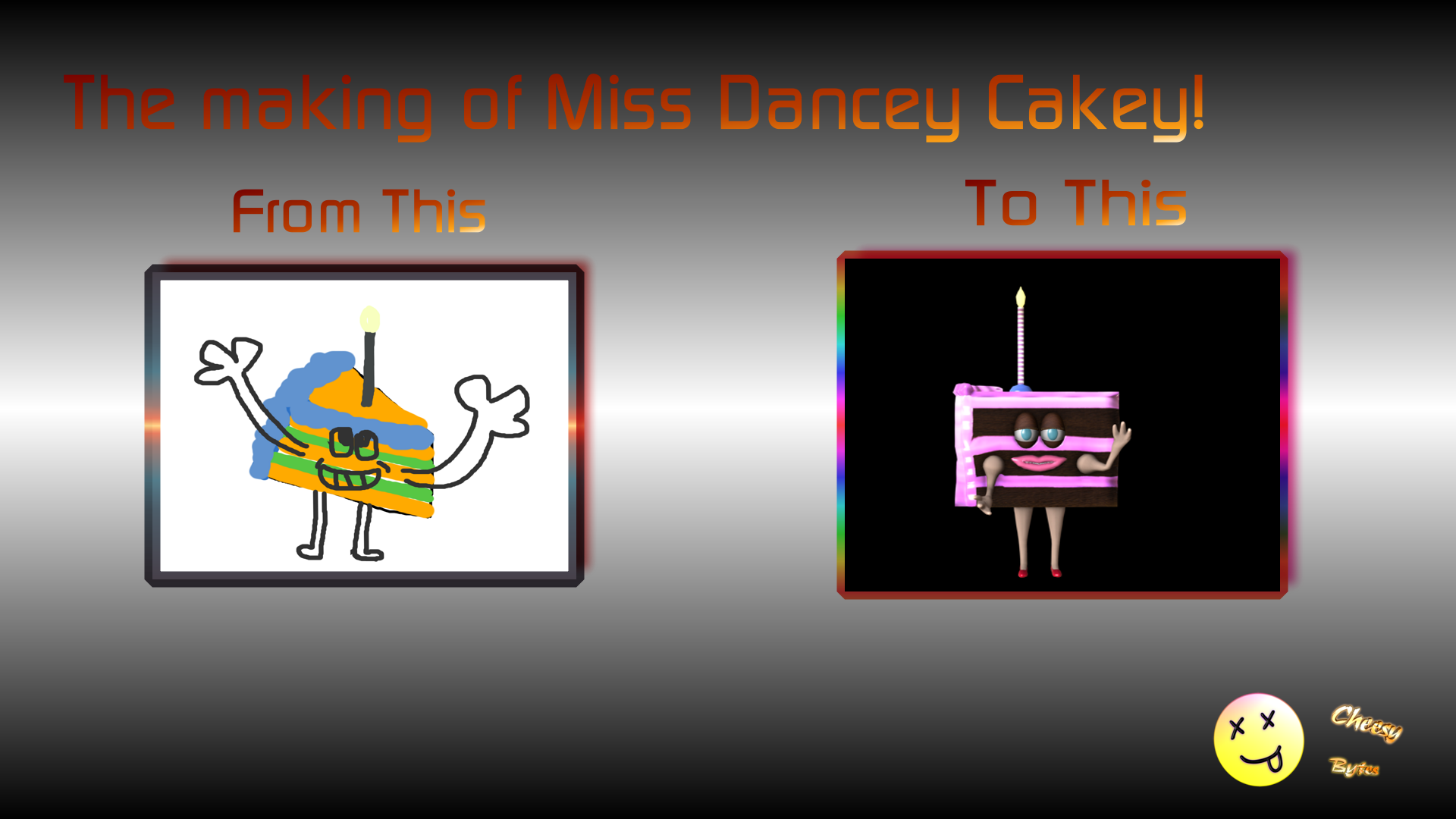
Its "the making of miss dancey cakey" This is the playlist link its too long to post all the videos so here is the link to the playlist.
Click to watch the Making of Miss Dancey Cakey Series
I call these tutorial series "seat of the pants" tutorials because that is what they are .. its my creative process recorded mistakes, oopsies and all
|
|
By rampart - 9 Years Ago
|
i have often thought - why not have videos with 2 audio tracks to choose. I mean we can turn off the sound *all of it". If the video creator provides one track for background music and one for voice that would be cool.
It may just be me. I concentrate too hard or can't concentrate and keep focus (AHDD). I'm not going to go onto adderall to correct it either way. LOL
I just now found your videos and plan to watch some of them.
|
|
By urbanlamb - 9 Years Ago
|
haha okay dont watch the one on the character creator I have to make a new one the CC works differently now. I think this is the only one that is so now way wrong I think i even took it off the playlists but its still somewhere on the channel cause i never delete anything. I like to go back and see how things have changed. There are some really cheesy things up there cause times have changed. Anyhow have fun.
I dont use iclone in the classic sense I pounced on it when I realized i can like get just about anything to work in it if i tried being a realtime render engine I was quite delighted with it all. So my um "characters" and stuff are a bit off the wall (just like me) :blush:
|
|
By urbanlamb - 8 Years Ago
|
I am just updating this thread with just one tutorial. This one is not for people who know nothing. It builds on some of the stuff I covered in the series I created for making my wierdo characters.
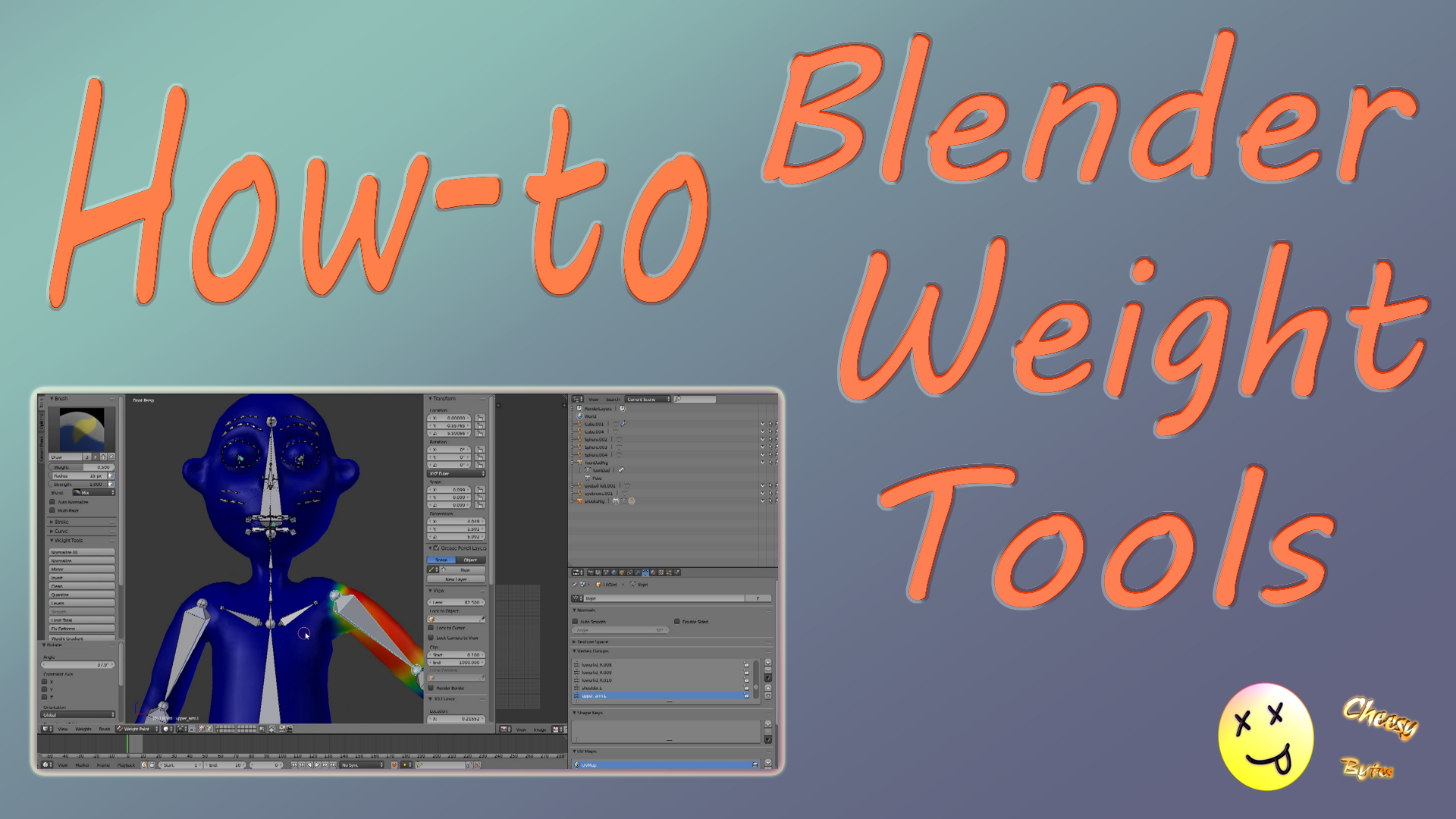
Anyhow its basically all the weighting options in blender for weighting since all my previous tutorials I use the automatic one click weight button I thought I would show the "regular way" since that is what I tend to use on most of my little dudes I make.
Blender weighting tools
hrm i guess i need to start a new thread.. since this is now in the iclone 6 forum .. well next time..
|
|
By urbanlamb - 8 Years Ago
|
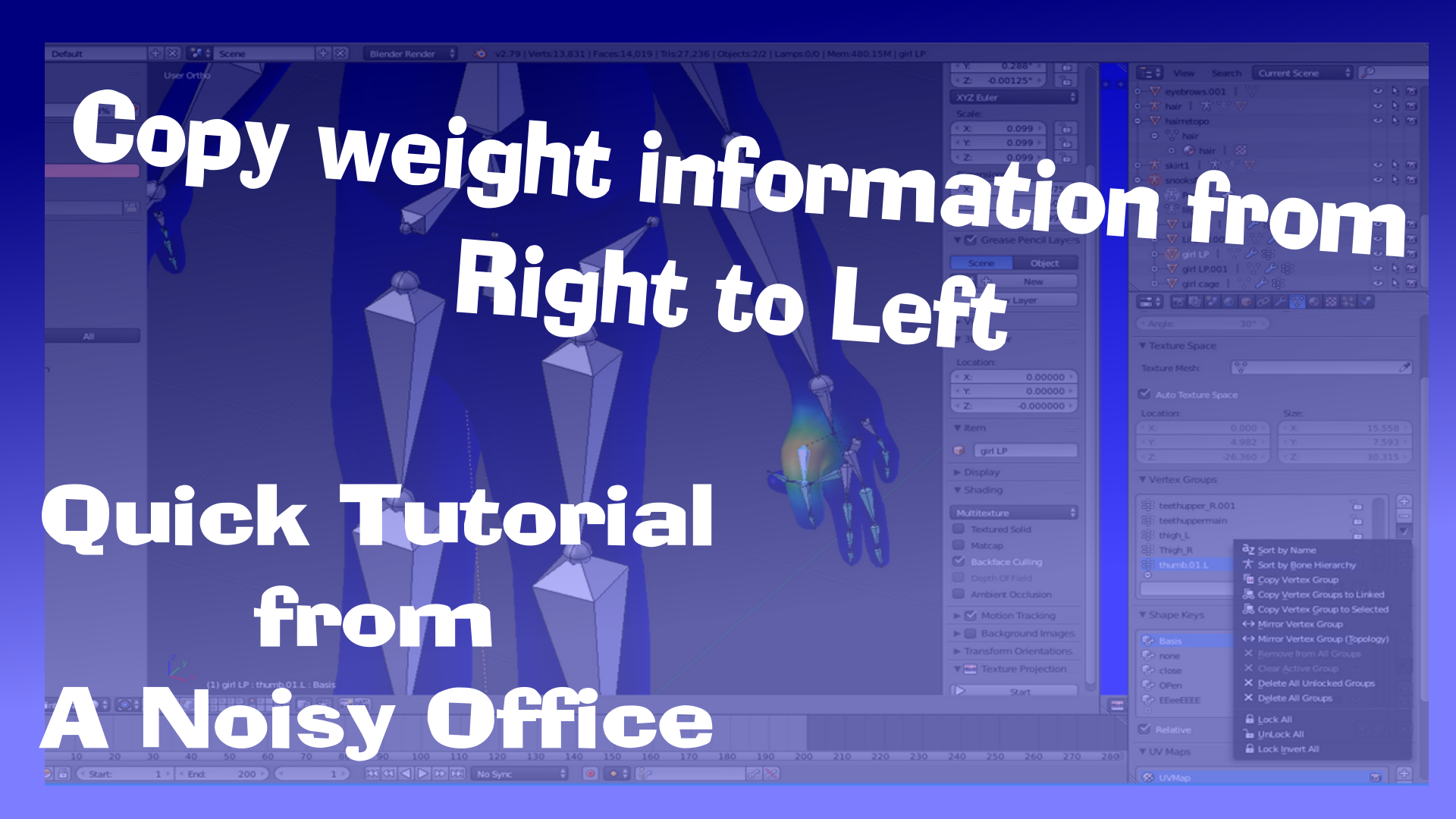
Here is another quicky if your making stuff for iclone to use in your movies tis another "quicky noisy office" tutorial
here is the video link
How to copy weights from one side to t-other (my way)
and here is a picture :)
p.s. i might be moving to dailymotion but we shall see.. so this is why the videos are linked instead.
|